Top 3 Site Snagging App Alternatives 2026
Coordinating snag lists and site records shouldn't involve duplicating work. Explore the top 3 site snagging app alternatives to streamline your UK construction projects in 2026.
By James Shorter ·
Top 3 Site Snagging App Alternatives 2026
Coordinating snag lists, daily site records and subcontractor tasks across multiple platforms leaves construction teams duplicating work and losing key project evidence. Many construction project management tools either limit device compatibility, hide client features behind premium add-ons or neglect WhatsApp-based workflows that UK site teams increasingly rely on. This review compares pricing, reporting features and messaging integration among three leading alternatives so you can pick one that matches your current communication habits and project complexity.
Table of Contents
BRCKS
At a Glance
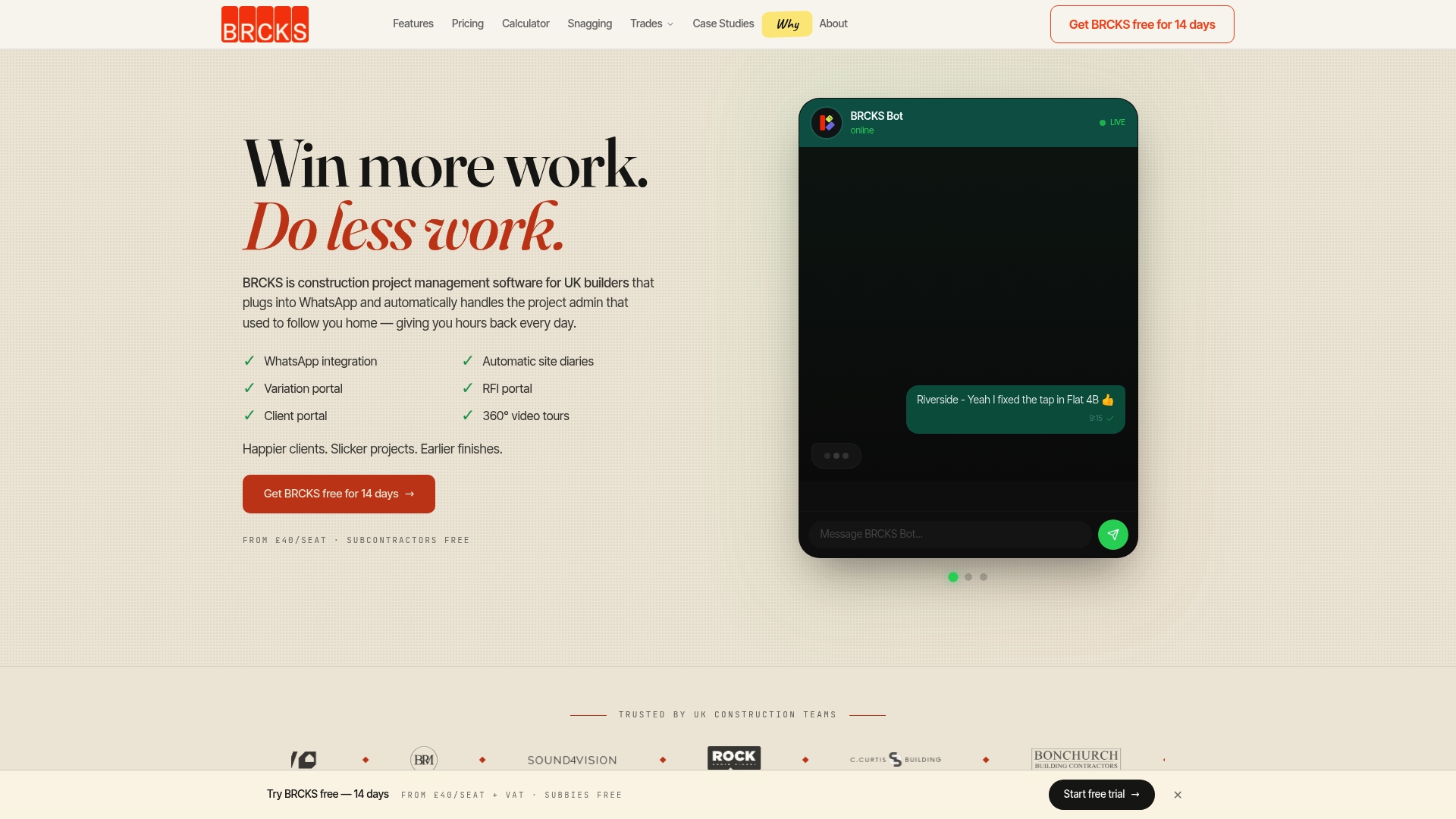
From £40 per seat per month plus VAT, billed annually, with a 14-day free trial. According to the company, BRCKS saves users over two hours of manual effort daily by capturing WhatsApp communications and automating routine site admin.
Core Features
- WhatsApp integration that captures messages and attachments into project records so conversations do not live only in phones.
- Automatic site diaries that generate daily records from captured communications and site inputs.
- RFI portal and Variation portal for logging requests and changes with timestamps and audit trails.
- Client portal with 360° video tours for clearer handovers and stakeholder updates.
Key Differentiator
Built specifically for UK builders, BRCKS integrates with WhatsApp to automate and unify site communication and admin tasks. That focus on a familiar channel reduces the behavioural friction of adopting new software for trades and site teams.
Pros
-
Captures WhatsApp traffic natively so site teams keep using a channel they already trust while the platform builds an auditable project record.
-
Automates routine admin work such as site diaries, RFIs and variation logs which reduces paperwork and handoffs for site managers.
-
Combines project tools and client access in one place so requests, approvals and progress updates live alongside evidence and files.
-
Offers a free 14-day trial and transparent starting price which makes short pilots straightforward for small firms.
-
Designed for UK construction with local support, which helps when regulations or typical contracting practices require regional knowledge.
Cons
- Pricing is charged per seat and may become costly for larger site teams when many users need access to project records.
Notable Integrations
- WhatsApp only at present. That single integration is purposeful since the product relies on ingesting WhatsApp messages, but it means teams that prefer other messaging platforms cannot use the same capture workflow.
Who It’s For
UK builders, site managers, project managers, subcontractors and small contractors who use WhatsApp on site and want to reduce time spent on administration and chasing documents. Best for teams that value client portals and digital audit trails.
Unique Value Proposition
Dedicated client portals keep clients informed without disrupting site teams. By surfacing client queries and approvals alongside captured site evidence, BRCKS changes client communication from separate email threads into records that form part of the contract history.
That reduces the chance of lost approvals and saves both office and site staff time when preparing handover packs.
Real World Use Case
A UK contractor runs three simultaneous sites and uses BRCKS to ingest WhatsApp conversations, generate daily site diaries automatically, log RFIs and capture variation requests. The team reports fewer lost decisions and faster client sign-offs because evidence is already attached to each record.
Pricing
From £40/seat/month plus VAT, billed annually. A 14-day free trial is available. Some premium items such as 360° site tours are offered as additional bolt-ons which affect the final bill.
Website: https://brcks.io
Site Report Pro
At a Glance
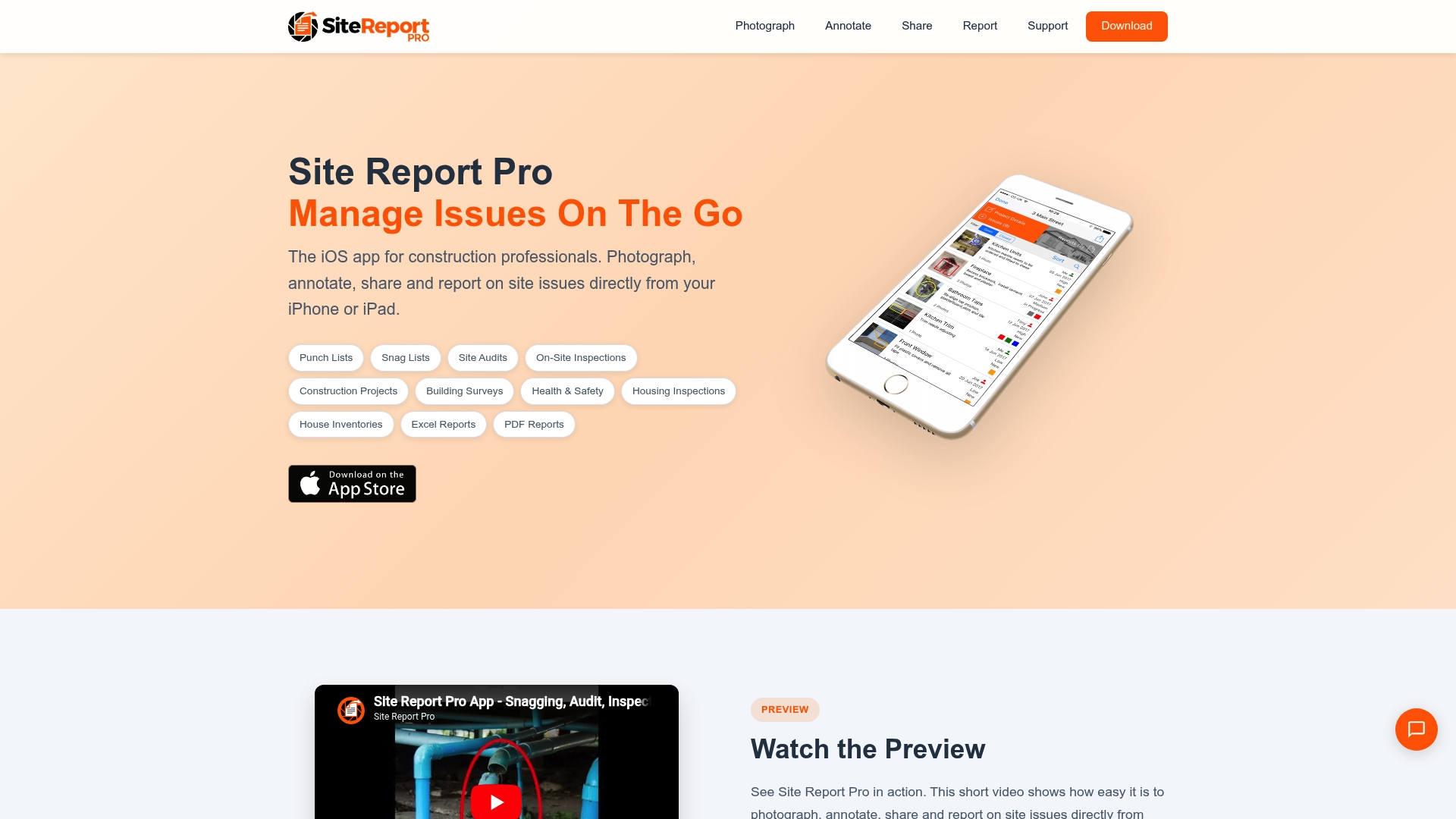
Free on the App Store and built to run entirely on iPhone and iPad, Site Report Pro lets you photograph, annotate and produce reports without sending data to a cloud service. The app targets on-site issue capture for snag lists, inspections and building surveys where internet access is unreliable.
Core Features
- Photograph, annotate and share site issues directly from the device with simple on-screen markup.
- Generate professional PDF and Excel reports from collected items, with multiple custom themes and styles.
- Assign and track issues among team members and build punch lists during inspections.
- Support for site audits, snag lists, health and safety checks and detailed house surveys.
- Exportable records for client handovers and compliance paperwork.
Key Differentiator
Site Report Pro is focused on mobile-first, on-device reporting for construction professionals rather than full back-office project management. Unlike BRCKS, which integrates WhatsApp and centralises communications, this app prioritises fast, offline issue capture and highly customisable report output for teams working directly on site.
Pros
- User-friendly iOS interface designed for on-site use so inspections move faster and fewer notes are lost.
- Works without cloud dependency which means data stays on the device until you export or share a report.
- Produces polished client-ready reports quickly, with theme options that match different reporting standards.
- Assignments and basic tracking let a foreman pass issues to colleagues while still on site.
- The vendor cites positive customer feedback about reliability and support in product materials.
Cons
- Only available on iOS devices which excludes Android crews and mixed-device teams.
- No built-in cloud sync or storage so central record-keeping requires manual export and upload to your server.
- Batch photo or bulk issue upload capabilities are limited compared with some rivals, which slows work on large inspections.
When It May Not Fit
If your site team uses Android tablets or you need automatic cloud archiving and a single source of truth, this app will create extra admin. For multi-site programmes that require live central reporting and integration with project systems, expect to pair Site Report Pro with a separate cloud tool.
Who It’s For
Construction project managers, site inspectors and small contractor teams who spend most of their time on site and need rapid, device-based snagging and reporting. If you prefer to keep records on the handset and produce formatted reports at handover, this is a pragmatic choice. See BRCKS for a different approach to messaging and client portals or read our guide to a snagging app for more options.
Real World Use Case
A site manager walks a new build with an iPad, photographs poor plaster finishes, marks the exact defect on each image, assigns tasks to the subcontractor and exports a themed PDF for the client that afternoon. No laptop, no site Wi Fi, and a single tidy report to attach to the project file.
Website: https://sitereportpro.co.uk
Site Buddy
At a Glance
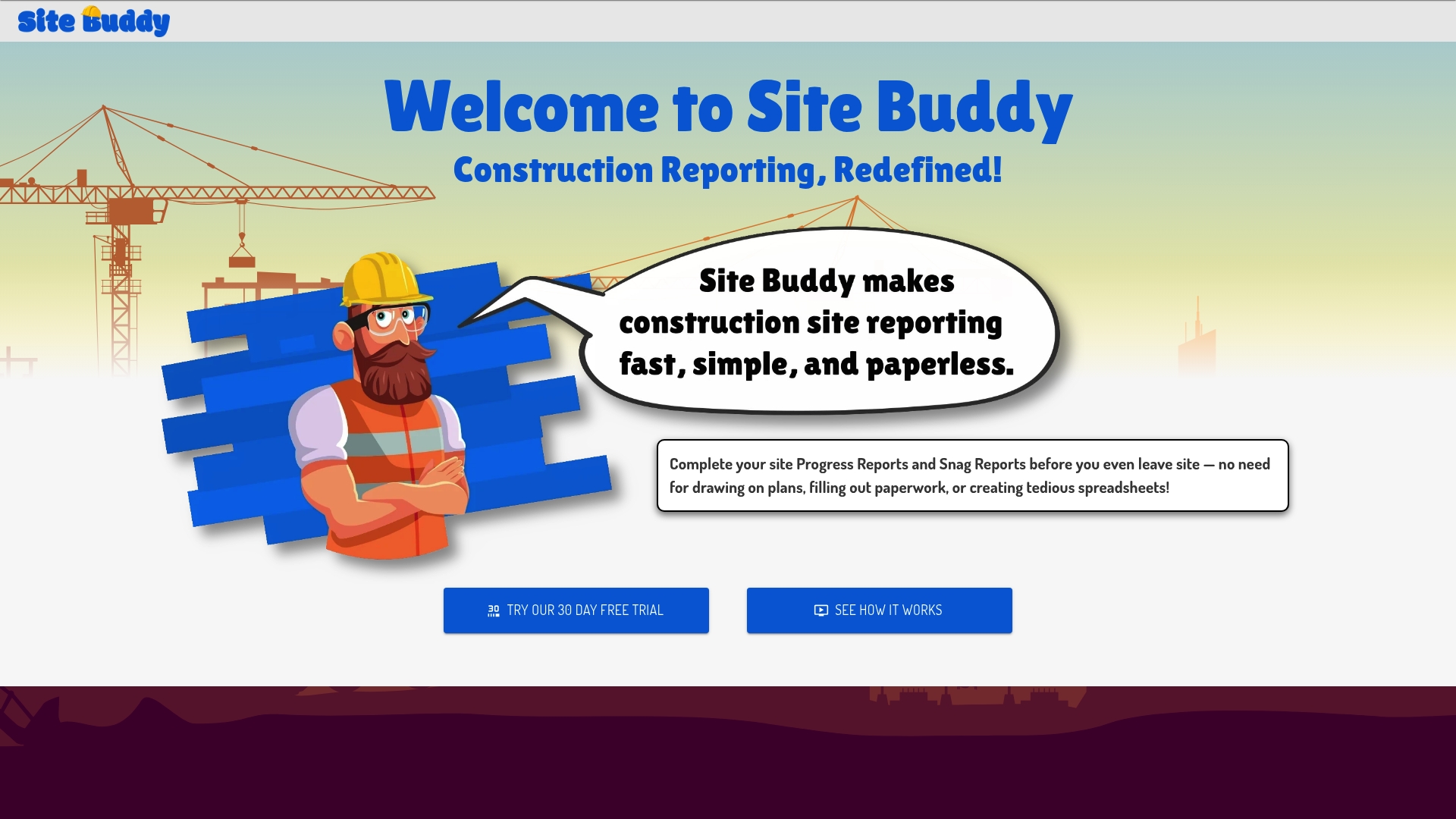
Runs offline and supports Windows, iOS, Android and Mac — letting site teams file progress and snag reports from remote locations without waiting for a desktop. The app centralises photos, annotated plans and generated snag schedules into a single cloud archive.
Core Features
On-site report submission from a mobile device with photo attachments and plan annotations. Automated generation of interactive site reports and snag schedules for handover or audits.
Cloud storage with multi-device access and a searchable historical archive. Offline mode keeps data capture working on low reception and syncs when the connection returns.
Key Differentiator
Immediate, on-site report creation and plan markup are the primary focus. Site Buddy puts plan annotation and snag logging in a mobile-first workflow so issues are recorded where they are seen rather than reconstructed afterwards.
This narrower focus differsfrom BRCKS, which integrates WhatsApp conversations into project records and automates site diaries and variation logs. Site Buddy aims at direct field capture rather than chat-led documentation.
Pros
-
Simplifies daily reporting and snag capture so entries take seconds rather than minutes. That reduces end-of-day paperwork for site managers.
-
Plan markup and photo annotation let inspectors mark defects directly on drawings, removing guesswork from handover reports.
-
Automated report and snag schedule generation saves time when compiling weekly or monthly records for clients and auditors. Reports are interactive and exportable.
-
Multi-platform compatibility means subcontractors can use Android phones while office staff access the same archive on Mac or Windows.
-
Offline capability supports remote sites where reception is patchy, preserving entries until sync is possible.
Cons
-
Limited third-party reviews are publicly available, which makes independent verification of user satisfaction difficult.
-
Pricing tiers are not published; the vendor describes prices as transparent and affordable but no concrete figures or plans are supplied.
-
The product documentation does not detail offline mode limits such as local storage caps or simultaneous-device sync behaviour.
When It May Not Fit
If your team requires integrated chat capture or WhatsApp-based workflows, Site Buddy is narrower than solutions that log messaging as part of the project record. BRCKS is the example that focuses on WhatsApp integration and automated diaries.
If capacity planning, time tracking or heavy resource management are core needs, this tool offers fewer native features than a full project management suite.
If you need published pricing to compare against procurement thresholds, the lack of public tiers will slow stakeholder sign-off.
Who It’s For
Construction project managers, site supervisors and inspectors who need quick, mobile-first reporting and annotated plans. Ideal where on-site capture and archive quality matter more than messaging integration.
For a general primer on snagging tools see the BRCKS snagging app page for how field capture fits into wider project workflows.
Real World Use Case
A construction manager uses Site Buddy to record morning progress, mark defects on the current slab drawing, attach timestamped photos, and publish an automated snag schedule to subcontractors. Responses arrive faster and the weekly audit folder is complete.
Pricing
The vendor does not publish specific tiers. Site Buddy’s materials describe pricing as transparent and affordable, but no rates or seat models are shown. For procurement comparisons consult BRCKS pricing or request a vendor quote.
Website: https://site-buddy.com
Comparative Analysis
When evaluating construction management solutions, different tools prioritise specific workflows and user needs. Below, we analyse and contrast three leading applications to provide an informed understanding of their distinctive strengths and tradeoffs.
Communication Integration and Automation
BRCKS excels in integrating WhatsApp messaging directly into its platform, allowing construction teams to utilise a communication channel they are already familiar with while automatically creating site records from the exchanges. In contrast, tools such as Site Report Pro and Site Buddy focus on direct reporting and documentation generation without embedded messaging capabilities. While they enable effective collection of visual evidence and notes, neither replicates BRCKS’s ability to synthesise conversational data into administrative records—a significant time-saver for WhatsApp-dependent projects.
Device Compatibility and Offline Functionality
For teams requiring cross-platform usability and offline support, Site Buddy offers a competitive advantage. Its availability on multiple operating systems, coupled with its capability to function in conditions with intermittent connectivity, makes it suitable for diverse teams operating in challenging environments. Site Report Pro, limited to iOS, caters specifically to Apple-exclusive teams. BRCKS is not designed as a native mobile app but positions itself as a project management solution, thus prioritising broader administrative tools over on-site device adaptability.
Best Fit Scenarios
- BRCKS: Recommended for UK construction teams leveraging WhatsApp for everyday communication and seeking automated site diaries and client portals.
- Site Report Pro: Best for site professionals on iOS devices needing immediate, device-based snagging tools for inspections without relying on cloud services.
- Site Buddy: Suitable for teams requiring cross-platform compatibility and efficient defect reporting with offline operation capabilities.
Our Pick: BRCKS
For UK professionals in the construction sector, BRCKS presents a unique synthesis of WhatsApp communication workflows and project management automation, optimised for local industry practices. However, for non-UK settings or teams prioritising mobile snagging tools, exploring competitors like Site Buddy may offer better alignment. For extensive WhatsApp-integrated functionality, BRCKS remains the premier choice.
Construction Project Management Apps Comparison
Choosing the right project management software for construction tasks, such as snagging and communication, is crucial for maximising efficiency and meeting industry demands.
| Product | Best for | Key differentiator | Pricing | Notable limitation |
|---|---|---|---|---|
| BRCKS | UK builders and site managers emphasising admin | WhatsApp integration for seamless logging | £40/seat/month plus VAT | Costs can rise for large site teams |
| Site Report Pro | Inspectors requiring rapid, on-device reporting | Offline mobile reporting and custom themes | Free | Limited to iOS devices |
| Site Buddy | Teams prioritising annotated plan documentation | Multi-platform compatibility and offline mode | Not disclosed | Unclear restrictions on offline mode and storage |
Discover How BRCKS Transforms Site Snagging and Project Management
When choosing a site snagging app, managing on-site communications and tracking issues can often feel overwhelming. This article highlights common challenges like juggling fragmented snag lists, site diaries and delayed client approvals. BRCKS addresses these pain points by capturing all WhatsApp messages and attachments directly into your project records. This integration reduces lost documentation and miscommunication, reshaping snagging from scattered notes into a comprehensive, auditable record.

Experience BRCKS to automate site diaries, streamline variation logs and provide clients with dedicated portals that keep workflows uninterrupted. Take control of your snagging and site communication with a platform designed just for UK builders. Visit BRCKS and explore how a site diary app integrated with WhatsApp boosts efficiency by saving over two hours daily. Book a 14-day free trial and generate your first automatic snag report today.
Frequently Asked Questions
How does BRCKS automate site diaries for construction projects?
BRCKS automatically generates daily site diaries from captured WhatsApp communications. This feature saves users over two hours of manual effort every day, as it compiles site inputs and messages into a cohesive record. Consider using BRCKS if you’re looking to streamline administrative tasks and improve project documentation.
What is the difference between BRCKS and Site Report Pro?
Site Report Pro focuses on mobile-first, on-device reporting for site issues, which allows for rapid issue capture and highly customisable report output. In contrast, BRCKS integrates WhatsApp messages and centralises site communications, making it better suited for teams needing automated documentation alongside chat-led workflows. Choose BRCKS if you require integrated client portals and automated logs instead of standalone issue capturing.
Can I use Site Buddy to annotate construction plans?
Yes, Site Buddy allows users to annotate plans directly on their mobile devices. This functionality enables immediate, on-site report creation, ensuring that issues are documented precisely where they occur. If streamlined reporting and snag logging are important, consider Site Buddy as a viable option alongside BRCKS for your project’s needs.
Does Site Report Pro support offline reporting?
Site Report Pro operates entirely on iOS devices but does not offer a cloud sync or storage feature. This lack of cloud functionality means you’ll need to manually export reports if you prefer maintaining a centralised record. If offline use is critical to your workflows, explore Site Buddy, which supports offline mode and cloud archive access.
What pricing options does BRCKS offer?
BRCKS starts at £40 per seat per month plus VAT, billed annually, with a 14-day free trial available. This transparent pricing makes it easier for small firms to pilot the solution without a long-term commitment. Take advantage of the trial to assess whether BRCKS meets your administrative needs effectively.
Recommended
- Best Snagging App UK 2026 — Honest Comparison | BRCKS
- Top 4 Construction Snagging App Alternatives 2026
- 3 Best Construction Photo Reporting App Alternatives 2026
- 5 Best Construction Client Portal Alternatives 2026
How BRCKS Can Help
Finding the right site snagging tool is essential for maintaining quality control and keeping your projects on track as we head into 2026. While several alternatives offer niche features, BRCKS provides a comprehensive, all-in-one construction management platform that simplifies the entire defect management process from the field to the office. By integrating snagging directly into your broader project workflow, BRCKS ensures that nothing falls through the cracks and communication remains seamless across your entire team. We invite you to book a demo or start a free trial today to see how BRCKS can transform your site inspections and delivery standards. Learn more at BRCKS and explore our full feature set.