Top 7 crewchain.co.uk Alternatives 2026
Searching for the best crewchain.co.uk alternatives in 2026? We compare the top construction management platforms to help you find the perfect fit for your site and office teams.
By James Shorter ·
Top 7 crewchain.co.uk Alternatives 2026
 A purpose-built construction snagging software keeps these items tracked through to sign-off.
Searching for the right platform can feel overwhelming when there are so many choices. Every option offers its own features, strengths, and quirks that might suit different needs. Some promise smoother workflows, others focus on easy collaboration or helpful tools. The possibilities seem endless, raising the question of which alternatives stand out and why. Uncovering these differences helps you find a solution that fits just right, making it worth taking a closer look at what each one brings to the table.
Table of Contents
BRCKS
At a Glance
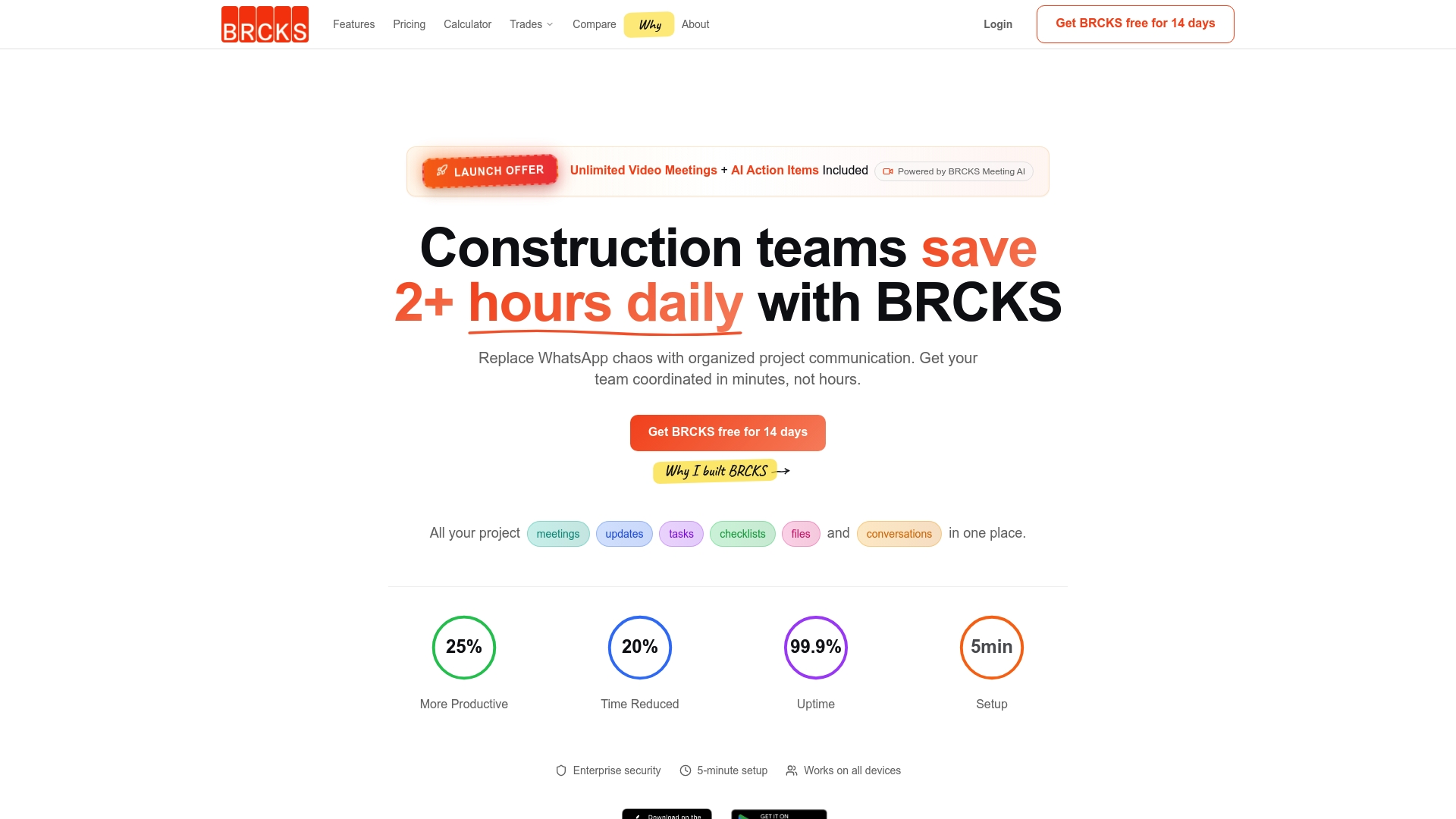
BRCKS is a leading construction management platform that removes disorganised messaging and replaces it with a single, reliable hub for teams on site and in the office. It centralises meetings, tasks, files and conversations so projects run with fewer delays and less confusion.
Core Features
BRCKS offers a unified project communication platform that brings meeting notes, tasks, checklists and documents under one roof. The platform includes Meeting AI with transcription and action item generation, task management with checklists and progress monitoring, team scheduling and a project file store as an alternative to email and WhatsApp chains.
Pros
-
Reduces communication chaos: BRCKS consolidates scattered chats and emails into a single platform so teams spend less time searching for information.
-
Improves productivity: The organised feed and task tracking reduce time spent on administration and help teams focus on delivery.
-
Automates meeting follow up: AI features transcribe meetings and create action items automatically so nothing is missed after handover.
-
Accessible on all devices: The platform works across phones and desktops and sets up quickly so teams can adopt it fast.
-
Trusted by professionals: BRCKS is built with construction workflows in mind and is used by industry teams who need reliable project control.
Who It’s For
BRCKS suits construction teams and companies who want to end fragmented communications and improve project coordination. It works well for site managers, project managers and small to medium sized contractors who need a centralised place for daily updates, checklists and document sharing.
Unique Value Proposition
BRCKS stands out because it combines practical construction tools with AI driven meeting support in one accessible product. By centralising messages, tasks and files and adding automated meeting transcriptions and action items, it reduces duplicate work and missed actions. Smart buyers choose BRCKS for its construction focus, device accessibility and the clear reduction in administrative overhead it delivers.
Real World Use Case
A construction company replaces WhatsApp and email chains with BRCKS to manage daily site updates, meetings and project files. The team uses the Meeting AI to capture decisions, assigns tasks from transcriptions and keeps all project documents in one place, delivering measurable time savings and fewer coordination errors.
Pricing
BRCKS uses a simple per user subscription model starting at $52 per month per user and includes a free trial so teams can test the platform before committing.
Website: https://brcks.io
CrewChain
At a Glance
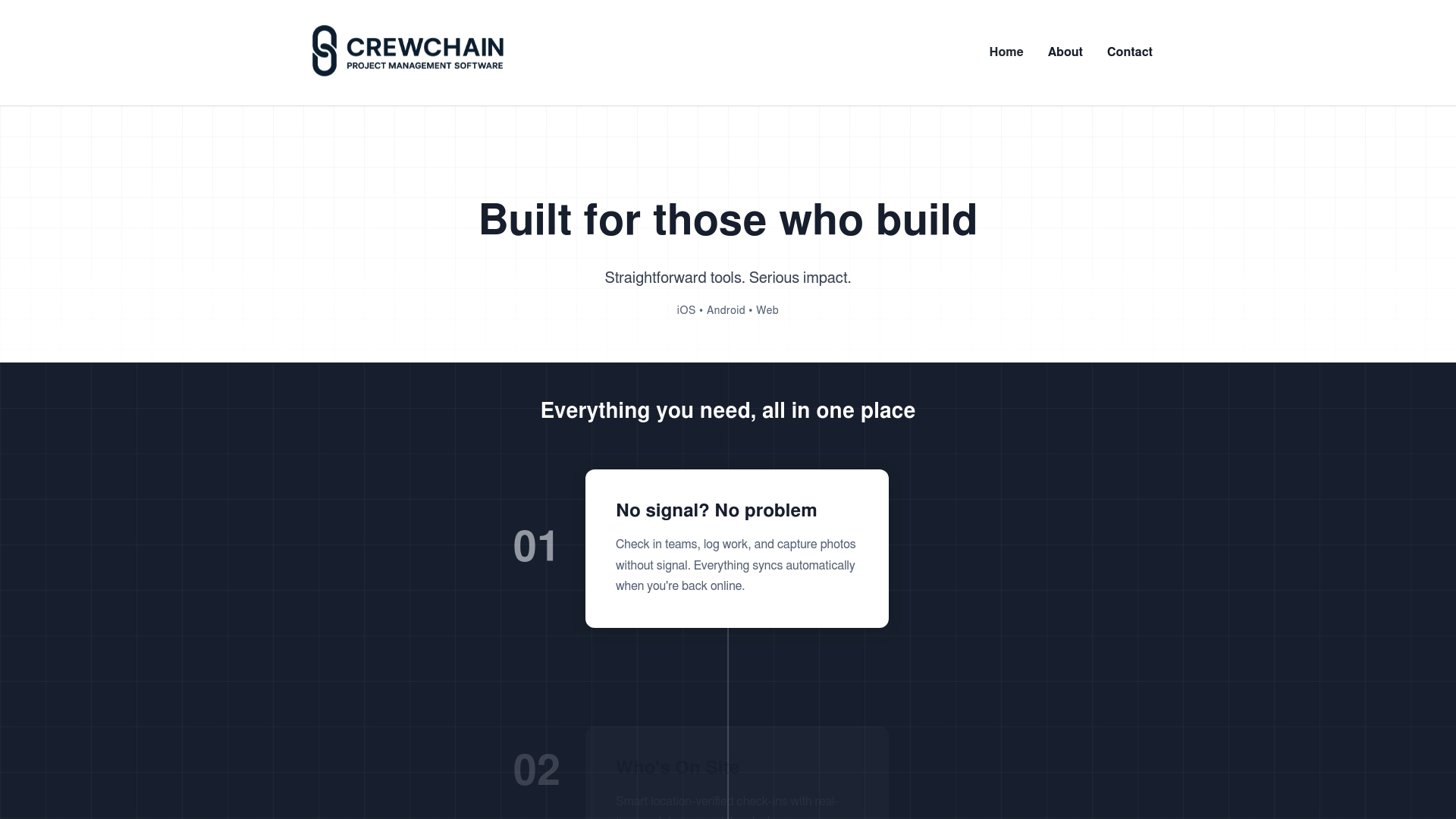
CrewChain is a focused project management platform built for construction teams that need reliable on site tools and clear documentation.
It combines offline functionality with centralised document storage and simple site check ins to keep teams coordinated across multiple locations.
Core Features
CrewChain offers a compact set of features aimed at site execution and record keeping.
- Offline check in and work logging with automatic sync when a connection returns.
- Location verified team check ins and real time updates across project members.
- Centralised storage, sharing and signing of project documents for easy handovers.
- Project management tools including Gantt charts, milestones and timeline tracking.
- Media capture with photos, videos and voice notes for snag reports and variations.
Pros
-
All in one platform: CrewChain combines project management and communication so teams use fewer separate apps and reduce confusion.
-
Reliable off line operation: The ability to log work and capture media without connectivity keeps records accurate for remote or basement locations.
-
Customisable branding: Subcontractors and clients can receive a tailored experience through customisable company branding which improves professional presentation.
-
Real time updates: Teams receive timely information which reduces duplicated work and helps site managers make faster decisions.
-
Versatile media capture: Photos, videos and voice notes provide clear evidence for progress claims and snag resolution.
Cons
-
No published pricing: The website does not list pricing which makes budgeting and vendor comparisons harder for procurement teams.
-
Feature richness creates learning curve: New users may need time and training to use the full range of tools effectively.
-
Limited integration details: The site provides little information about how CrewChain connects with accounting, ERP or document management systems.
Who It’s For
CrewChain suits construction project managers and site teams who need dependable on site tools and consistent reporting across several locations.
It is particularly relevant for residential contractors and subcontractors who require offline data capture and straightforward document signing workflows.
Unique Value Proposition
CrewChain stands out by focusing on site realities rather than general office project tools.
Its combination of offline logging, location verification and media rich documentation positions it as a practical tool for teams operating across dispersed sites.
Real World Use Case
A site manager uses CrewChain to verify labour presence at three developments each morning, log daily tasks while on site without a signal, capture progress photos for monthly claims and share signed handover documents with clients.
This keeps records auditable and reduces disputes during handover.
Pricing
Pricing is not specified on the website so you will need to contact the vendor for quotes and licence options per user or per project.
Website: https://crewchain.co.uk
Procore
At a Glance
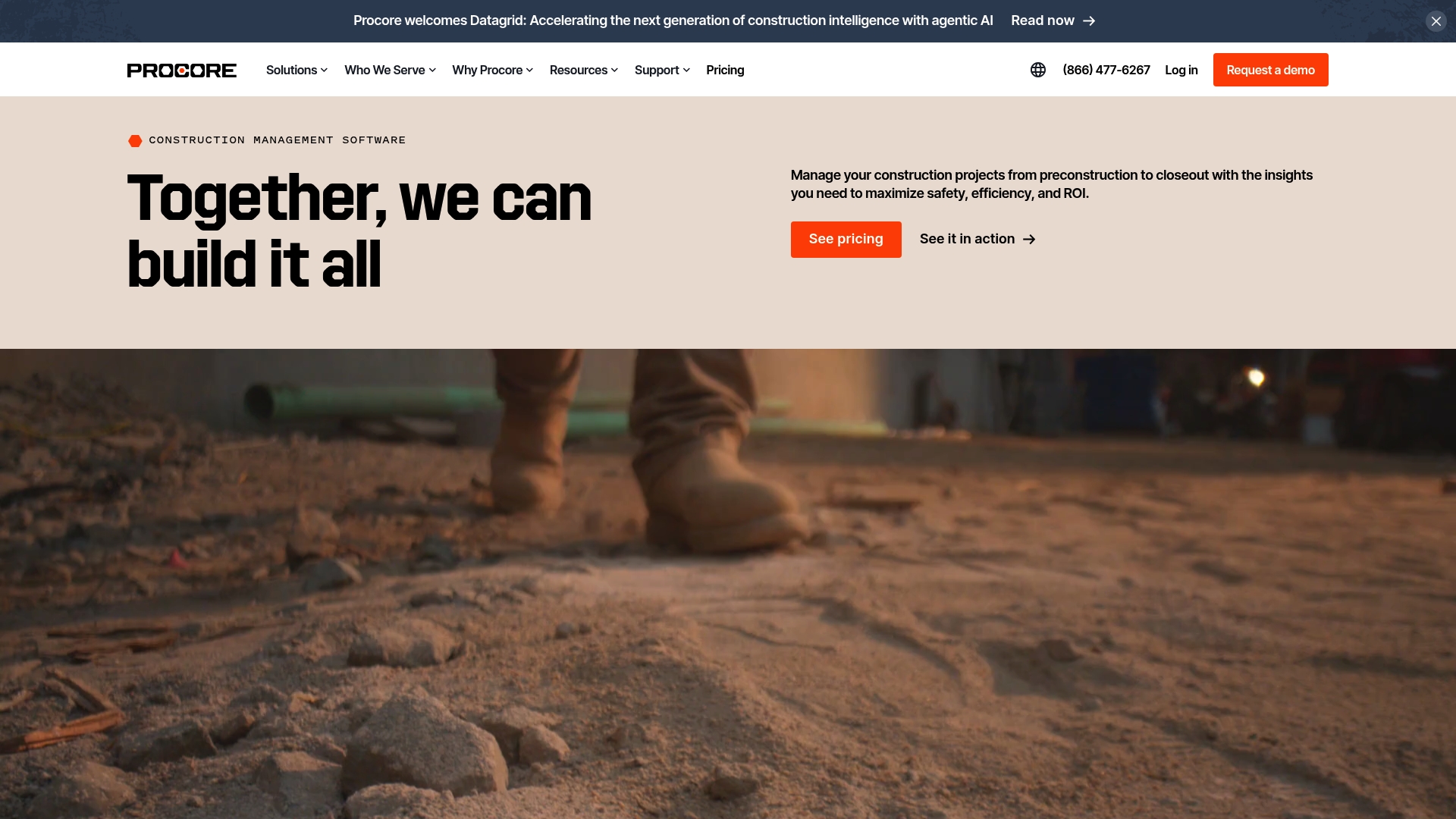
Procore is a full construction management platform that brings stakeholders together across preconstruction, construction and financials for one connected workflow. Its AI powered Datagrid adds data driven insight for decision making while supporting a wide range of project types.
Core Features
Procore provides end to end project control with a focus on collaboration, security and scalability for growing construction portfolios.
- Project Execution management from start to finish including RFIs and schedule tracking.
- Cost Management with budgeting and financial reporting tied to project status.
- Resource Management for crews, hours and equipment to improve utilisation on site.
- Preconstruction and Construction capabilities covering bid management, BIM, estimating, quality and safety.
- AI driven features via Datagrid for portfolio analytics and smarter project execution.
Pros
-
Comprehensive all in one platform: Procore centralises preconstruction, construction and financial workflows so teams access one source of truth.
-
Unlimited users and storage: The platform supports large teams and extensive project archives without user caps or immediate storage concerns.
-
Strong integration ecosystem: An app marketplace lets you connect third party tools and extend Procore to match existing processes.
-
AI assisted features: Datagrid provides machine assisted analytics which help spot trends across projects and improve decisions.
-
Proven at scale: Procore is used on over 3 million global projects which indicates broad industry adoption and trust.
Cons
-
Pricing depends on project volume and selected features which makes upfront cost estimation complex for bidders and smaller firms.
-
The comprehensive feature set creates a potentially steep learning curve for new users which increases training time on site and in the office.
-
As a cloud based platform Procore relies on internet connectivity which can disrupt access on poorly connected sites.
Who It’s For
Procore suits construction companies, general contractors, project owners and subcontractors that run complex or multiple projects and need a single, scalable platform. Teams managing portfolios or expanding internationally gain most from its portfolio analytics and collaboration tools.
Unique Value Proposition
Procore combines broad construction functionality with portfolio level analytics through Datagrid which makes it useful for organisations that want both project level control and cross project insight. The platform scales with large teams and varied project types.
Real World Use Case
Vantage Data Centres uses Procore to support global project expansion by leveraging portfolio analytics and collaboration tools. The result is improved coordination across regions and clearer visibility of project performance during growth.
Pricing
Pricing is customised and varies based on the number of projects, selected features and support requirements. Firms receive tailored quotes that reflect their project volume and the modules they choose to activate.
Website: https://procore.com
Fieldwire by Hilti

At a Glance
Fieldwire by Hilti is a robust jobsite management platform built to connect field teams and office staff across construction projects. It excels at delivering task visibility and centralising documents, though costs rise for advanced features and larger teams.
Core Features
Fieldwire brings together core capabilities that construction managers use every day. Key elements include Task Management, Document Management, Plan Viewing, BIM Viewer, and Field Intelligence™ for data insights.
- Task Management to assign, track, and close jobs on site and in the office.
- Document and plan storage with fast online viewing from any device.
- Inspection, punch list and RFI handling all within the same project space.
Pros
- Fast adoption: The platform offers a straightforward setup so teams can start running jobs without lengthy training.
- True field to office collaboration: Field and office staff see the same updates at the same time which reduces duplicated work.
- Comprehensive toolset: A wide range of construction features means fewer separate apps to manage on projects.
- Multi device support: iOS, Android and web access keep supervisors connected when they move between offices and sites.
- Proven at scale: Fieldwire is trusted on large programmes which gives confidence for complex, high value projects.
Cons
- Pricing can feel premium: Smaller teams with tight budgets may find the higher tiers expensive compared with simple messaging tools.
- Advanced features locked behind tiers: Some capabilities require upgraded plans or extra spend which adds to total cost.
- Requires reliable internet: Fieldwire depends on online connectivity for real time updates which can be a challenge on remote sites.
Who It’s For
Fieldwire suits construction teams that manage multiple drawings, recurring inspections and detailed task lists. General contractors, speciality contractors and project managers running medium to large residential projects will get the most value.
Unique Value Proposition
Fieldwire combines a construction focused feature set with the backing of Hilti which adds credibility for procurement and risk teams. The combination of plan viewing, task workflows and Field Intelligence™ analytics positions the product as a single place to manage on site activity and reduce errors.
Real World Use Case
Webcor Builders used Fieldwire on the Moscone Centre expansion project to keep drawings current across teams and to cut excess work. The platform helped them manage a high value programme with thousands of drawing revisions and numerous subcontractors.
Pricing
Fieldwire offers multiple plans including Basic which is free, and paid tiers named Pro, Business and Business Plus with per user subscription models. Custom enterprise solutions are available through direct contact and advanced features sit in higher tiers.
Website: https://fieldwire.com
Autodesk Construction Cloud
At a Glance
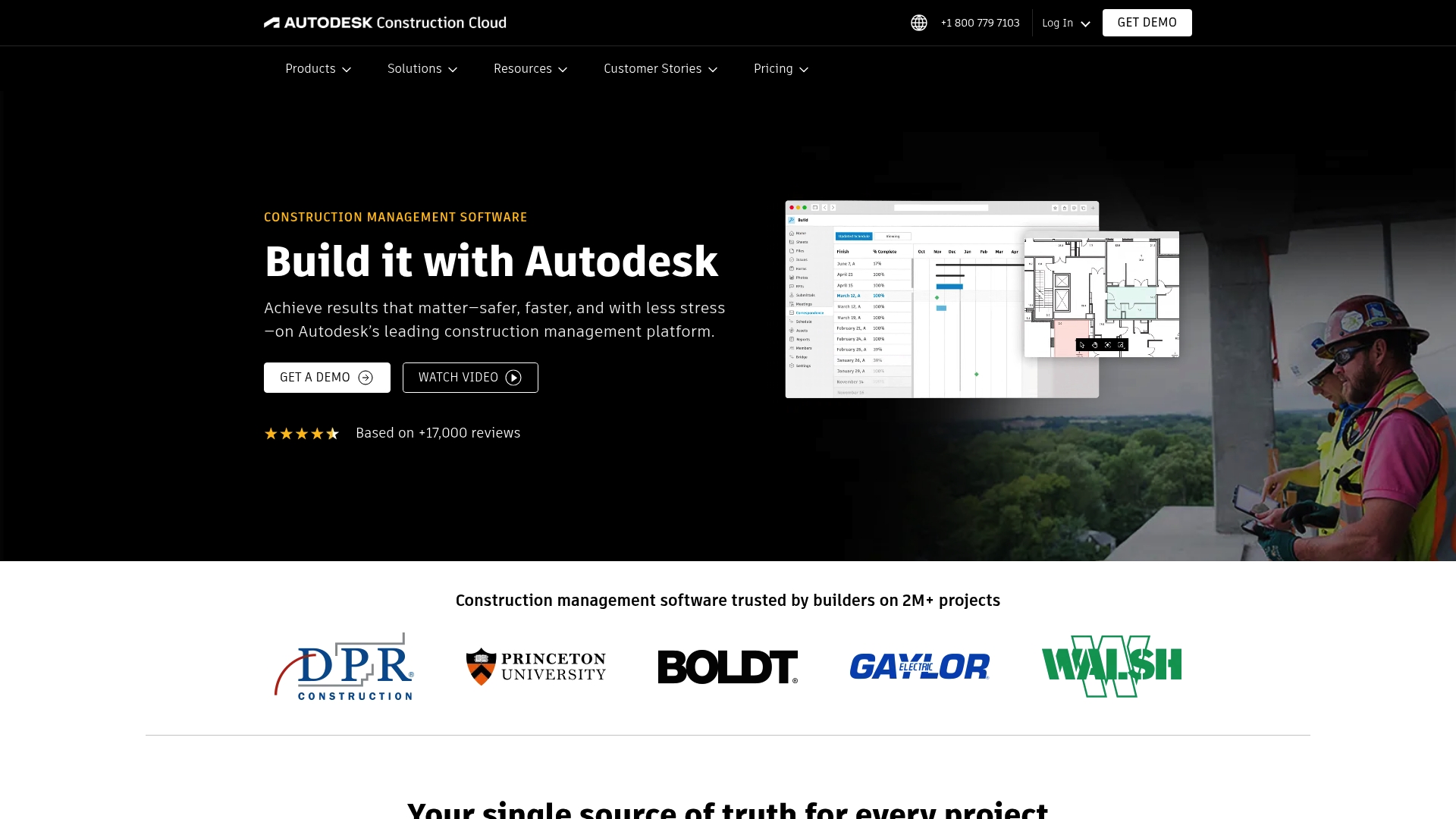
Autodesk Construction Cloud is a comprehensive construction management platform trusted on over two million projects and designed to bring design, build and operations teams together. Its scope suits large programmes and complex residential developments that need robust coordination and data control.
Core Features
The platform bundles Construction Management, Data Management and Coordination tools into a single environment. Key capabilities include document control, design reviews, model coordination and 2D and 3D takeoffs alongside estimating and bidding modules for end to end project workflows.
Pros
- Trusted by Major Firms: The platform is used on millions of projects which indicates enterprise grade stability and broad industry acceptance.
- Comprehensive Feature Set: It covers project stages from preconstruction estimating to on site safety and cost management in a single suite.
- Strong Integration Capabilities: ACC Connect and other integrations let you connect existing systems and reduce duplicate data entry across teams.
- Mobile Accessibility: Native mobile apps mean site teams can access documents and issues while working on site which speeds up decisions.
- User Friendly Collaboration: The interface and collaboration tools support multidisciplinary teams sharing models and documents in real time.
Cons
- The platform has considerable complexity which new users will need training to master before they can use advanced workflows comfortably.
- Pricing is flexible but not transparent which means procurement teams must contact sales for tailored quotes rather than viewing standard per user rates.
- Several specialised features require customisation to align with niche workflows which can increase implementation time and cost.
Who It’s For
Autodesk Construction Cloud fits general contractors, specialty contractors and owners managing medium to large residential and mixed use projects who need centralised document control, BIM coordination and commercial workflows. Project Managers overseeing multiple trades will find the unified data helpful for reducing rework.
Unique Value Proposition
The platform combines powerful model coordination and clash management with robust document and issue workflows in one ecosystem. That single source of truth for design, takeoffs and cost data reduces version confusion across dispersed teams working on complex residential schemes.
Real World Use Case
A general contractor running a large residential development uses Autodesk Construction Cloud to coordinate architects, engineers and subcontractors. Real time model coordination and shared document control cut rework and improved delivery times by keeping compliance and approvals visible to all stakeholders.
Pricing
Pricing is flexible and depends on chosen solutions, users, projects and account based options. Detailed costs are available by contacting Autodesk for a tailored quote which suits your project scale and required modules.
Website: https://construction.autodesk.com
Buildertrend

At a Glance
Buildertrend is a cloud based platform that brings sales planning project and financial tools into a single workspace for builders. It suits established teams that need a robust system to reduce communication friction across multi phase projects.
Core Features
Buildertrend lets you manage leads, projects and finances from planning through handoff with tools for pre construction construction and client communication. The platform is cloud based and integrates with QuickBooks Xero and Gusto to keep accounting and payroll aligned with site activity.
Pros
-
Comprehensive all in one platform: The software covers sales project materials and financial management so teams avoid juggling multiple apps.
-
Unlimited users and projects included: Pricing allows large teams to add colleagues and projects without per project fees which supports growth.
-
Large, trusted network: Over 20 000 builders use Buildertrend which gives access to established workflows and industry best practice.
-
Onboarding and customer support: The vendor provides training and onboarding to help teams adopt the system and get up and running.
-
Full phase coverage: Features span planning pre construction construction and handoff so information follows the job from quote to completion.
Cons
-
The platform can feel overly complex for very small or simple projects and may slow teams that only need basic scheduling and messaging.
-
Pricing is customised and often requires a consultation which makes quick price comparison difficult for budget conscious firms.
-
Some users report a steep learning curve when adopting advanced features which increases training time before teams get full value.
Who It’s For
Buildertrend fits established builders remodellers and speciality contractors who manage five or more projects a year and run multi phase builds. Teams that balance client communication job costing and scheduling in house will find the feature set aligns with day to day needs.
Unique Value Proposition
Buildertrend combines sales project financial and communication management in one package while integrating with major accounting and payroll systems. Its market presence and support offerings make it a dependable choice for firms wanting a unified project system rather than a patchwork of tools.
Real World Use Case
A home builder uses Buildertrend to centralise scheduling manage budgets and communicate with clients from tender to handover. The team tracks job profitability and client approvals in one place which helps deliver projects more consistently and improves customer satisfaction.
Pricing
Pricing is tailored to each business with options for a demo and custom quotes which means you must speak to sales to get exact figures. That approach helps match functionality to need but requires time for a pricing conversation.
Website: https://buildertrend.com
Construction Management Platform Comparison
This comprehensive table compares the key features, pros and cons, and pricing details of popular project management platforms for the construction industry, helping users choose the most suitable solution.
| Platform | Key Features | Pros | Cons | Pricing |
|---|---|---|---|---|
| BRCKS | Unified project communication; AI transcription; Progress monitoring; Task scheduling | Reduces communication chaos; Improves productivity; Accessible on all devices; Designed for construction workflows | Solely subscription-model pricing may limit trial flexibility | From $52 per user/month |
| CrewChain | Offline functionality; Centralised documents; Real-time updates | Customisable branding; Offline capabilities; Media capture | Pricing not published; Learning curve higher for feature-rich platform | Contact vendor |
| Procore | Cost, Resource, and Project Management; AI-powered analytics | Unlimited users and storage; Comprehensive tools; Established industry credibility | Complexity for small teams; Reliant on internet connectivity | Custom pricing |
| Fieldwire by Hilti | Task management; Document centralisation; Onsite and office collaboration | High scalability; Insightful analytics through Field Intelligence | Advanced features require premium plans | Multiple tier options, custom pricing available |
| Autodesk Construction Cloud | Full workflow control; 2D/3D model integration | Broad adoption in enterprise; Interface tailored for multidisciplinary teams; Strong integrations | Flexibility comes with higher costs; Training required for specialised integration | Highly flexible, contact vendor for details |
| Buildertrend | Sales, finance, and communication tools; Integration with accounting systems | Unlimited project count; Extensive training support; Provides extensive project monitoring | May not suit smaller companies; Tailored pricing — requires interaction with sales team | Tailored to organisations’ scale and requirements |
Simplify Your Construction Communication with BRCKS
Are you struggling with fragmented communication like scattered WhatsApp groups and endless email chains as discussed in the Top 7 crewchain.co.uk Alternatives 2026 article? BRCKS was designed specifically to solve these challenges for UK residential construction teams by centralising meetings, tasks, files and conversations into one easy to use platform. Experience a clear boost in project coordination and reduce costly errors by replacing chaotic messaging with a single reliable hub.

Discover how BRCKS can save your team over two hours daily and streamline on-site and office collaboration with AI-powered meeting tools and seamless mobile access. Start your journey to more productive project management today with a 14-day free trial at BRCKS and see why London construction professionals trust this all-in-one software to keep their projects running smoothly.
Frequently Asked Questions
What are the main alternatives to CrewChain?
Several project management tools serve as alternatives to CrewChain, including BRCKS, Procore, and Fieldwire. Explore these platforms to see which features align best with your construction management needs.
How do I evaluate which CrewChain alternative is right for my team?
Consider your team’s specific requirements, such as offline functionality, document management, and task tracking capabilities. Create a comparison chart to evaluate features and pricing to help make a decision efficiently.
Are there any budget-friendly alternatives to CrewChain?
Yes, some alternatives provide different pricing structures to suit various budgets. Investigate platforms that offer tiered pricing or free trials to determine what fits within your financial plan.
How long does it take to implement a CrewChain alternative?
Implementation times vary by platform and complexity, but most tools can be set up within 30 to 60 days with adequate planning. Make a timeline for onboarding and integrating your existing data to ensure a smooth transition.
Do CrewChain alternatives offer mobile access?
Many alternatives offer mobile applications to ensure that teams can access project information on-the-go. Check the features of each platform for specific mobile compatibility and capabilities.
Recommended
- BRCKS | Construction Project Communication Software
- BRCKS | Construction Project Communication Software
- BRCKS | Construction Project Communication Software
- BRCKS | Construction Project Communication Software
- Top 4 Rentpoint.al Alternatives 2026
How BRCKS Can Help
While finding the right alternative to Crewchain is essential for managing your workforce, the most effective solution often involves integrating your labour tracking with broader project oversight. BRCKS provides a comprehensive platform that bridges the gap between site attendance and financial management, ensuring your data remains accurate and actionable. By consolidating your workflows into one intuitive system, BRCKS helps you reduce administrative overhead and focus on delivering quality projects. We invite you to explore how our software can transform your construction operations by booking a personalised demo today. Learn more at BRCKS.