Top 4 Construction Snagging App Alternatives 2026
Explore the top construction snagging app alternatives for 2026 to help your team manage defect lists and site records without the friction of complex software.
By James Shorter ·
Top 4 Construction Snagging App Alternatives 2026
 A purpose-built construction snagging software keeps these items tracked through to sign-off.
Juggling defect lists, client updates and compliance records across different applications slows project handovers and leaves room for missed snags. Most construction project management software either lock offline functionality and unlimited reporting behind costly annual plans or require lengthy onboarding for teams used to WhatsApp and paper records. This round-up compares pricing, site workflow integration and UK-specific features so you can shortlist a platform that fits your team’s size, regulatory needs and daily habits.
Table of Contents
- BRCKS
- Insite
- Site Buddy
- PunchList
- Comparing BRCKS with Notable Competitors in Construction Management Software
BRCKS
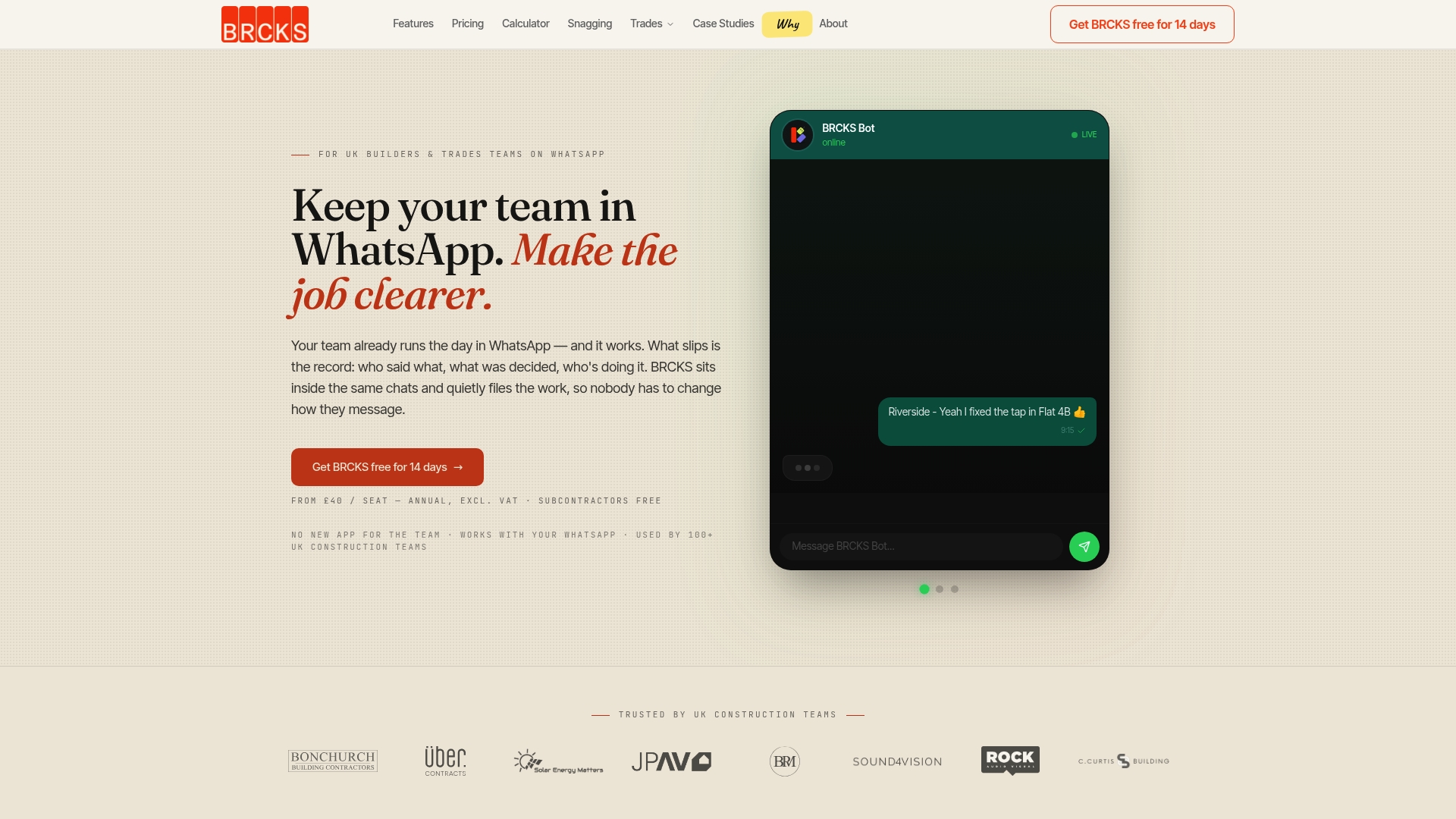
At a Glance
The vendor advertises saving teams over two hours every day through automation and WhatsApp integration. BRCKS is built in the UK to centralise project updates, task management, record keeping and client visibility inside WhatsApp so teams do not add another app.
Core Features
- WhatsApp integration that lets crews send updates and receive tasks from the chat app they already use.
- organised project files and photographic records, plus meeting recordings and client portals for handovers and approvals.
- assigning and tracking tasks with deadlines, and automatic logging of every message and activity for audit trails.
- AI-powered daily summaries and progress reports plus AI search to find records without scrolling long chat histories.
Key Differentiator
Built specifically for UK trades teams, BRCKS integrates directly into WhatsApp so supervisors, subbies and clients can interact with projects without learning a separate app or changing daily habits.
Pros
- Setup is quick. The vendor claims a five minute onboarding, and the interface works through WhatsApp so site teams start using it immediately.
- Free subcontractor access keeps field crews connected without adding per-user licence costs for every trade on site. Good for trades-heavy jobs.
- Centralised records mean photos, notes and approvals are searchable rather than buried in long WhatsApp threads; that saves time when disputes or defects appear.
- Task assignment with deadlines and automatic activity logs reduces missed jobs and the rework that comes from lost messages.
Cons
- Not aimed at large enterprise projects; BRCKS is focused on UK residential trades teams and lacks the resource planning and accounting modules found in enterprise systems.
Who It’s For
Small to medium UK residential construction teams, site supervisors and tradespeople who already use WhatsApp and want a low-friction way to organise tasks, site records and client updates. Ideal when you need quick uptake on site rather than a full ERP roll-out.
Unique Value Proposition
Free subcontractor access plus direct WhatsApp operation makes onboarding clients and trades practically painless. That pricing and workflow combination keeps licence spend predictable while letting you capture project records and approvals in the same place your teams already communicate.
Real World Use Case
A builder running three small sites uses BRCKS to log daily progress, assign follow-on tasks to subbies and store photos against each task. Instead of hunting through chat archives, supervisors find the week’s approvals and save an hour per site on site meetings and chasing trades.
Pricing
The published rate is £40/seat/month, billed annually, with subcontractors, trades and clients able to join at no extra charge. Pricing is straightforward and geared toward teams that rely on many field users.
Website: https://brcks.io
Insite
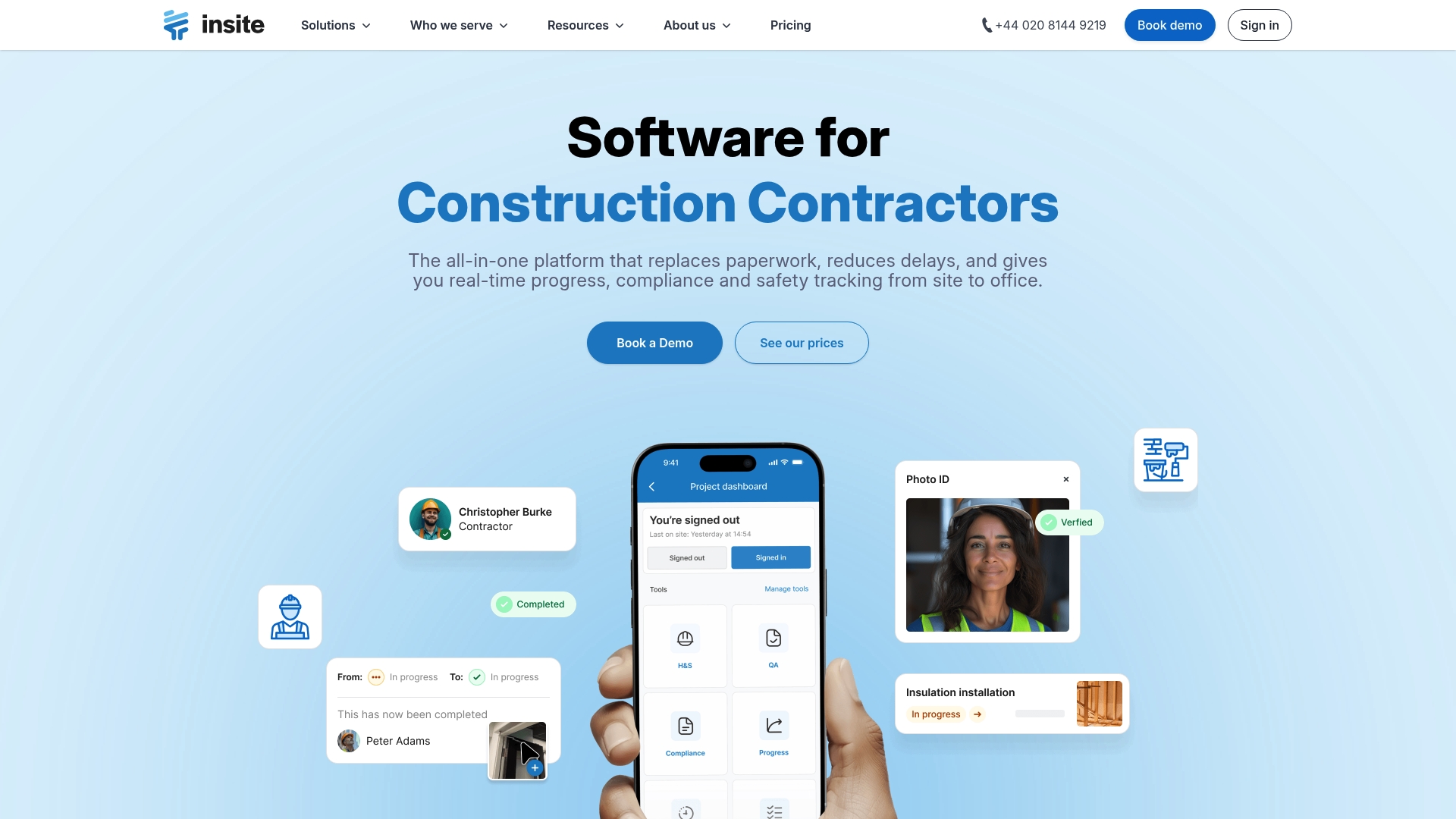
At a Glance
Replaces paperwork with digital inspections and offers on-site to office visibility for progress, compliance and safety in real time. The platform targets main contractors, subcontractors, design teams and house builders and bundles quality, health and safety and progress tracking into a single product.
Core Features
- Digital site inspections and quality checks with photo capture and annotation for snagging and handovers.
- Real-time dashboards that display progress and outstanding issues by priority and status.
- Digital safety and compliance records including permit management and incident reporting.
- Task and issue management linked to drawings and photos, and templates for repeatable workflows.
- Offline working capabilities so teams collect data in remote locations and sync later.
Key Differentiator
Insite is pitched as an all in one construction platform that joins quality, safety, progress and compliance within the same workflow. That focus on construction-specific processes means the product aligns closely with site practices rather than general project management habits.
Pros
- Designed for construction teams. The feature set reflects site routines so inspectors and foremen recognise the flows immediately.
- Offline working performs well on remote sites, letting teams capture inspections without a permanent connection and sync when back online.
- Flexible templates and role permissions let you shape workflows for a main contractor, subcontractor or design team without heavy custom development.
- Real-time dashboards give visual progress reporting that helps clerks of works and project managers see blockers at a glance.
- Digital documentation reduces paper for audits and handovers, shortening the time taken to assemble compliance packs.
Cons
- No third-party reviews are listed in the product data, so independent user experience reports are not available to verify long term reliability.
- Integration details are sparse. The vendor does not specify connectors to ERP systems or specialist estimating packages in the supplied data.
- Pricing specifics are not included in the product brief here, which forces a sales contact to get exact figures and tier details.
Who It’s For
Construction project teams and site managers who want a single tool for inspections, safety and progress tracking rather than stitching spreadsheets together. If your team already runs WhatsApp-first site communication, BRCKS may still suit better for chat native workflows.
Real World Use Case
A housing developer uses Insite to record daily site activities, safety checks and inspections on mobile devices. Instant reports replace paper bundles and reduce delays during handovers, so the project team compiles compliance evidence faster and closes snag lists more predictably.
Pricing
The vendor asks visitors to consult the website for pricing details and options. Expect tiered plans or a commercial discussion for larger schemes rather than publicly listed per-user figures.
Website: https://insite.co.uk
Site Buddy
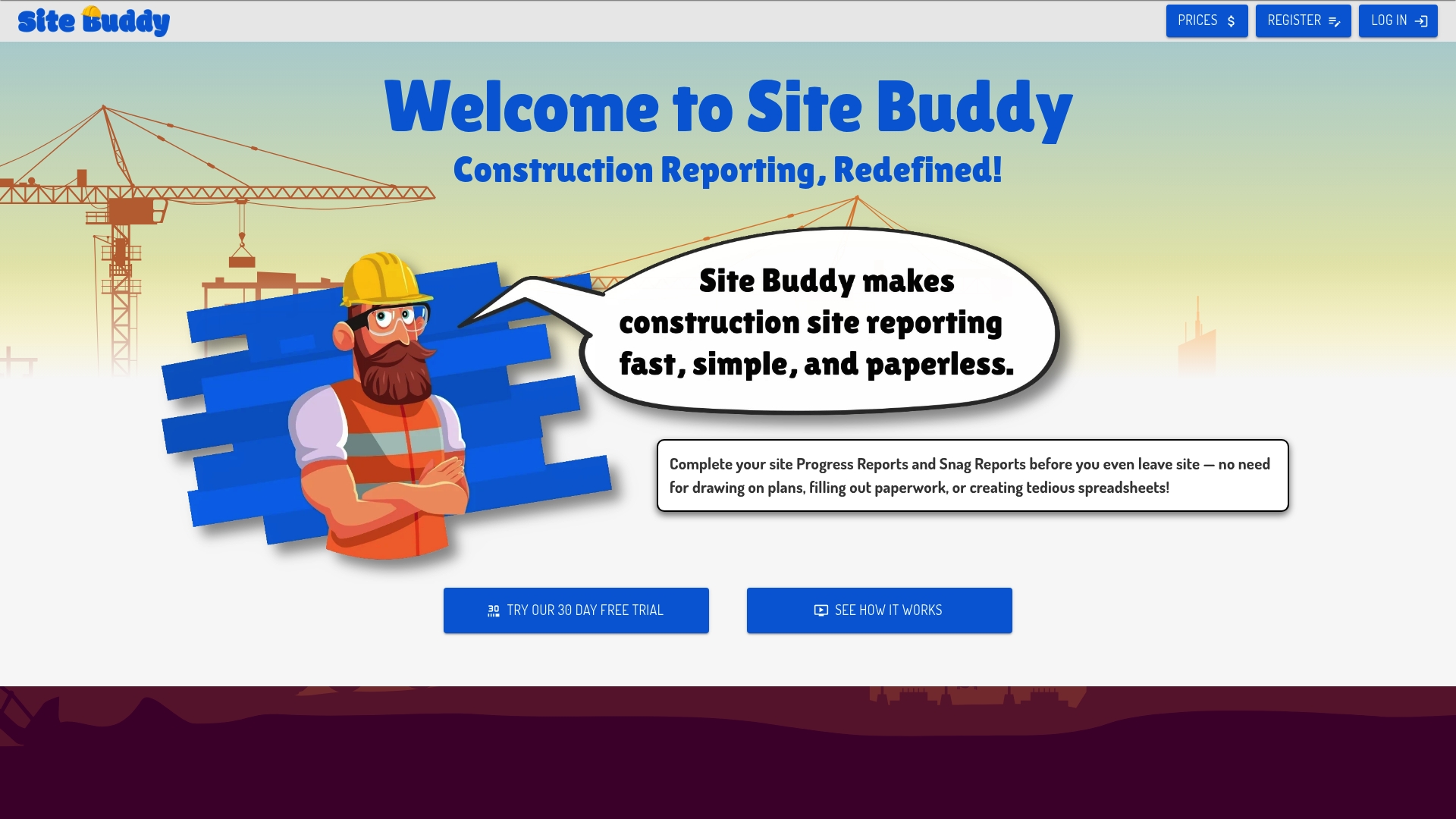
At a Glance
Site Buddy includes offline functionality and a paid Buddy Pro tier at $40 per user per month, which makes it clear the product targets busy site teams with intermittent connectivity. Documentation gaps on the vendor site limit verification of some feature claims.
Core Features
- Calendar and tasks management for daily scheduling and handovers.
- In-app chat with photo uploads and annotation for rapid on-site clarity.
- Offline functionality that lets crews record progress without a live connection.
- Material delivery requests to coordinate logistics across suppliers and trades.
- Progress and snag reporting available on paid plans for defect tracking.
Key Differentiator
Site Buddy’s main angle is its combination of offline functionality and a tiered subscription model tailored for construction teams. That makes it attractive for remote sites where mobile signal is unreliable. By contrast, Brcks reports WhatsApp integration, AI search and automation that it says saves teams over two hours daily, which appeals to teams prioritising WhatsApp-native client chat and automated workflows.
Pros
- Offers a free plan with core project and task features, which helps small site teams trial the app before committing.
- Offline capability lets supervisors record snags and progress even when signal drops, reducing data loss between shifts.
- In-app chat with photo annotation shortens clarification cycles compared with long email threads and paper notes.
- Higher tiers provide unlimited reporting and storage, useful for sites that must keep a long trail of snag and progress reports.
- Practical features for material delivery requests which reduce phone tag between site staff and suppliers.
Cons
- Several product pages return 404 errors, so detailed feature lists and screenshots are missing from the vendor site.
- No notable third-party reviews or independent validation were found, which makes it harder to judge real-world reliability.
- Integrations and workflow customisation are not described, and the integrations list is empty in the provided data.
- Feature depth for advanced project controls is unclear from available materials, so expectations may not match reality.
When It May Not Fit
If your team relies on a documented catalogue of third-party integrations, SSO or an enterprise security audit trail, Site Buddy may be a poor match because of the missing integration details. Also avoid it if you need vendor-verified reviews or case studies for procurement checks.
Who It’s For
Construction project teams, site managers and small contractors who need straightforward scheduling, offline reporting and material coordination. Best for crews that spend long periods offline and need simple tiers rather than enterprise configuration.
Real World Use Case
A regional contractor uses Site Buddy to coordinate daily site activities across three projects. Supervisors upload annotated photos and snag reports offline during shift handovers, then sync updates once back in the office, cutting miscommunication between trades.
Pricing
Free plan available for core features. Buddy Plus: $30.00 per user per month. Buddy Pro: $40.00 per user per month, which adds unlimited reporting and greater storage.
Website: https://site-buddy.com
PunchList
At a Glance
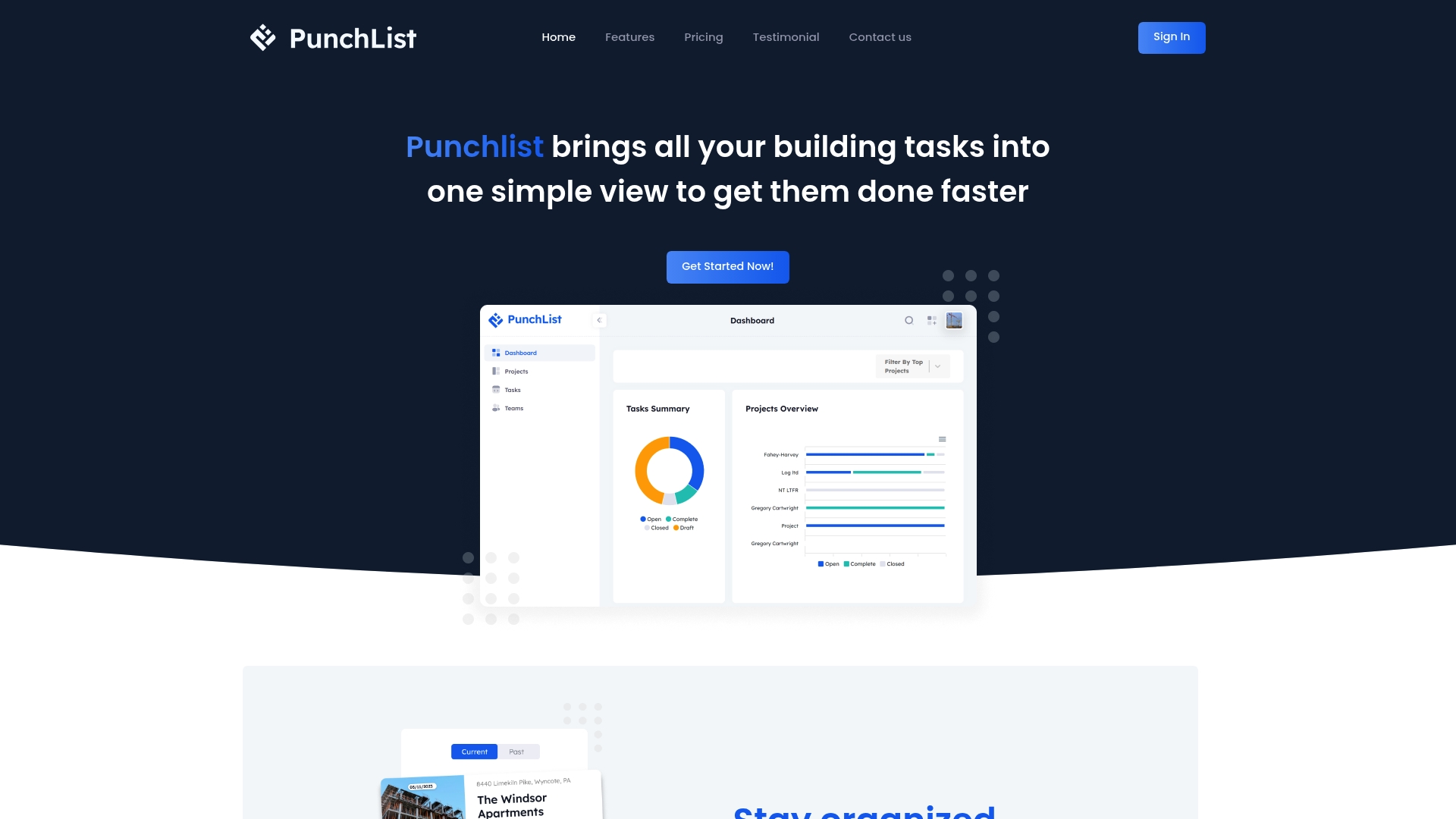
PunchList lists three annual plans with clear price points: Gold $375/month, Platinum $850/month and Residential $30/month. The platform focuses on construction workflows and bundles media handling with task management for building projects.
Core Features
PunchList provides project and task creation, real time progress tracking and milestone management across web and mobile apps. Team collaboration tools include subcontractor management and notifications to keep trades informed.
Photo and video uploads are linked to projects and floorplans on Premium, so visual records travel with the task rather than sitting in a shared folder.
Key Differentiator
PunchList positions itself around construction-specific needs rather than general project work. Its media-first approach and floorplan linking aim to reduce ambiguity on site by attaching visual evidence directly to tasks and milestones.
Pros
-
Offers an all-in-one view for tasks and project progress, which helps you see outstanding work across trades without hopping between tools.
-
Unlimited user and media uploads appear in higher plans, making the platform practical for projects that involve many subcontractors and constant photo documentation.
-
Real time notifications improve communication so site supervisors and office staff can react faster to issues as they appear on site.
-
Multiple pricing options let you match plan scope to project size, from single-home renovations to larger commercial jobs.
-
Available on both web and mobile platforms, so foremen can raise and close items on the go rather than waiting until they return to the site office.
Cons
-
Public, third-party user reviews are scarce; independent verification of the vendor claims is limited, which makes due diligence harder for procurement teams.
-
No free tier is listed in the vendor materials, so trial access and proof of concept may require an upfront annual commitment for meaningful features.
-
The product appears tailored to construction; it may feel heavyweight or unnecessarily specialised for freelance or non-construction projects.
When It May Not Fit
If your operation needs broad, cross-industry project templates or a free entry-level plan for one-off freelance work, PunchList is likely a poor match. The limited independent review record also raises compliance questions for contractors who must document software reliability.
Who It’s For
Construction project managers and site teams running residential or commercial builds who need visual task records tied to plans. Ideal for teams that manage multiple subcontractors and require mobile photo and video logging as part of standard handover.
Real World Use Case
A project manager uses PunchList to run three concurrent builds. Site teams upload photos against floorplans, milestones show progress across trades, and the PM resolves queries from the office using live notifications—reducing paper lists and lost images.
Pricing
Plans are quoted as annual subscriptions. The vendor lists Gold at $375/month, Platinum at $850/month and Residential at $30/month when paid annually. That structure favours long running projects over single short jobs.
Website: https://mypunchlists.com
Comparing BRCKS with Notable Competitors in Construction Management Software
In the competitive field of construction management software tailored for UK SMEs, each product offers unique benefits catering to varied team sizes and workflows. BRCKS, with its deep WhatsApp integration, positions itself as a high-convenience solution for residential trades teams. How does BRCKS compare to its industry peers: Insite, Site Buddy, and PunchList?
Integration and Workflow Alignment
BRCKS differentiates itself by embedding project updates, task management, and client communication directly into WhatsApp. This elimination of adopting a new platform suits teams familiar with WhatsApp while reducing adoption friction. In contrast, Site Buddy and Insite rely on bespoke interfaces requiring separate apps, which might feel disjointed for teams used to consolidated workflows but offer more extensive standalone functionalities.
PunchList provides advanced attachment features for site visuals matched to plans, aiding visual communication of tasks. However, its less immediate interface for rapid communication may not resonate with smaller trades-heavy teams relying on real-time updates.
Offline Capability and Portability
Site Buddy excels in offline functionality, allowing teams in remote locations with poor signal coverage to record data and synchronise updates upon reconnecting. For operations often in these scenarios, this feature becomes. BRCKS, being tied to WhatsApp, presumes consistent connectivity, making it currently suboptimal for such remote applications.
Best Fit
- For teams leveraging WhatsApp heavily and seeking fast adoption with minimal learning, BRCKS is the tool.
- Insite aligns well with project managers requiring consolidated health and safety and compliance tracking interfaces.
- Those requiring offline functionality for remote sites should consider Site Buddy as a alternative.
- If a visually detailed and media-integrated task management platform is critical, PunchList offers superior configuration options.
Our Pick
BRCKS is the ideal recommendation for trades teams favouring WhatsApp-centric communication and requiring swift deployment with minimal learning curves, such as small residential construction sites and prop-tech startups. However, if offline operation or integration with advanced safety monitoring is a priority, exploring other solutions like Site Buddy or Insite is worthwhile.
Construction Project Management Software Comparison
Evaluate construction management platforms to determine which aligns best with your team’s workflows and size.
| Product Name | Core Feature | Key Differentiator | Pricing | Notable Limitation |
|---|---|---|---|---|
| BRCKS | WhatsApp integration with task, record, and client management | Direct WhatsApp operation and UK trade focus | £40/seat/month, subcontractors free | Geared toward UK small to medium residential teams |
| Insite | Compliance and safety record tracking | Combines quality, safety, and progress tracking | Not disclosed | Integration details and third-party reviews missing |
| Site Buddy | Offline reporting functionality and task scheduling | Offline ability for remote sites with free tier options | Free plan; Pro tier $40/user/month | Key features and integrations lack verification |
| PunchList | Photo and video project task integration | Visual-first task management linked to milestones | Plans from $30/month (annual billing) | No free tier; limited third-party reviews |
Simplify Your Construction Snagging with Brcks
Managing snagging tasks and site communications can feel frustrating when using multiple apps or hunting through endless WhatsApp threads. Brcks offers a WhatsApp-native construction management platform that brings your project updates, task assignments, photo records, and client approvals into one place. With AI-powered daily summaries and effortless onboarding—including free subcontractor access—Brcks saves teams over two hours daily by reducing manual effort and confusion.

Discover how Brcks centralises snagging tasks and site records without adding complexity. Visit Brcks and start organising snag lists, assigning deadlines, and capturing approvals straight from the chat app your team already uses. Try Brcks now to see how fast project clarity and client visibility improve from day one.
Frequently Asked Questions
How does BRCKS enhance task management for construction teams?
BRCKS offers task assignment with deadlines and automatic activity logging to help teams track their progress effectively. This feature significantly reduces the chances of missed jobs and the rework that can arise from lost messages. Users can expect streamlined task management, giving them more control over project timelines.
What is the difference between BRCKS and Insite for construction inspections?
Insite focuses on digital site inspections and compliance records, which are crucial for health and safety management on construction sites. BRCKS, on the other hand, integrates directly with WhatsApp for daily project updates and task management, making it easier for teams familiar with the app to adopt it. This allows project managers to pick a tool that aligns best with their team’s operational style and communication preferences.
Can I use BRCKS if my team requires offline functionality?
BRCKS does not specifically mention offline capabilities, which might pose a challenge for teams working in remote areas with unreliable connectivity. If offline functionality is a must-have, teams should consider alternatives like Site Buddy, which is designed for intermittent connectivity while still enabling effective project management.
How quickly can teams get started with BRCKS?
Teams can expect a quick onboarding process with BRCKS, advertised as taking just five minutes. This swift setup allows users to start leveraging the app immediately through WhatsApp, ensuring that they can organise their tasks without lengthy training sessions.
Which construction snagging app alternative is best for smaller teams?
For smaller teams, BRCKS is particularly well-suited due to its free subcontractor access, allowing many users to stay connected without incurring additional costs per licence. This feature offers an economical solution for projects that heavily involve subcontractors and field operatives.
Recommended
red" target="_blank" rel="noopener">Top Construction Reporting Tools for UK Sites Compared | BRCKSHow BRCKS Can Help
Selecting the right snagging tool is essential for maintaining high standards and ensuring project timelines remain on track as we head into 2026. While several alternatives offer niche features, BRCKS provides a comprehensive, integrated solution designed specifically to streamline defect management and communication across the entire site team. By centralising your inspections and reporting within our intuitive platform, you can eliminate manual errors and focus on delivering a flawless finish. We invite you to explore how BRCKS can transform your snagging process and improve your project outcomes today. Learn more at BRCKS and explore our full feature set.