Why centralise construction communication in 2026: boost efficiency and cut delays
Poor communication costs UK construction SMEs thousands annually. Learn how centralising your project workflows can boost productivity and reduce costly rework in 2026.
By James Shorter ·
Why centralise construction communication in 2026: boost efficiency and cut delays
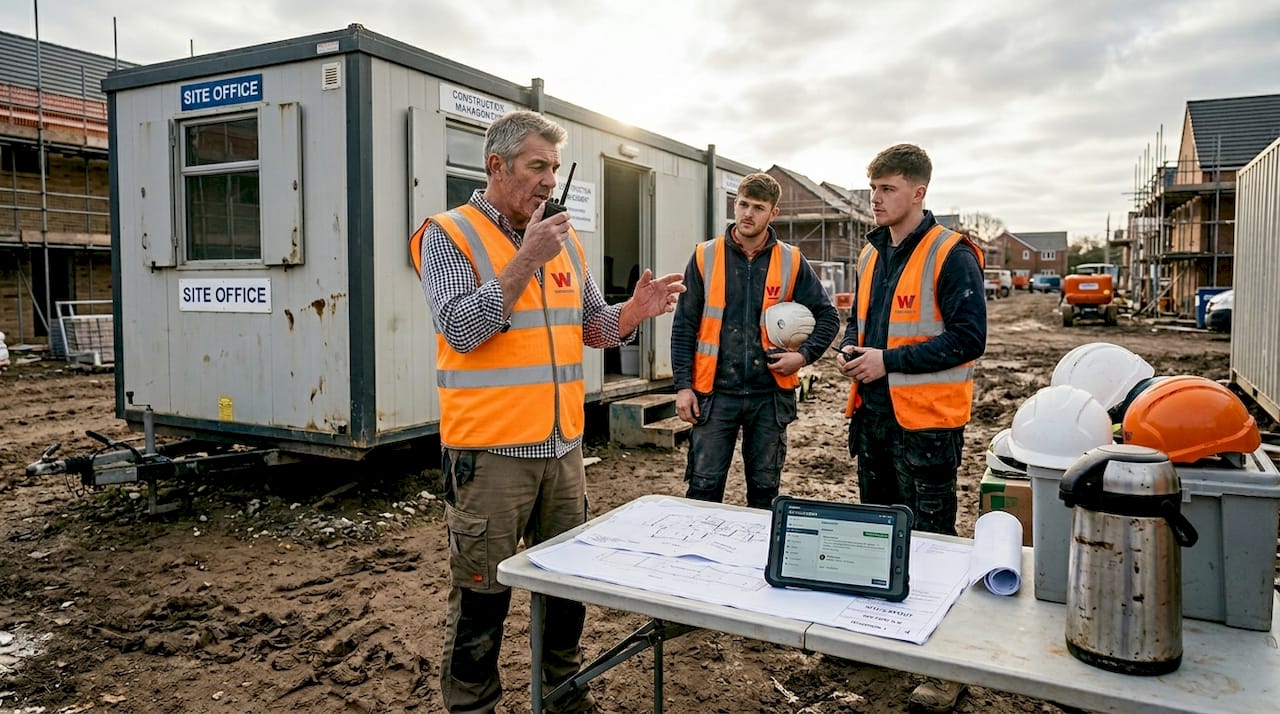
Poor communication costs UK construction SMEs thousands of pounds annually in rework, delays, and lost productivity. Many project managers believe centralising communication solves all problems, yet over-centralisation introduces new risks like tool overload and single points of failure. This guide explores how to balance centralised communication effectively, examining both the proven benefits and potential pitfalls. You’ll discover practical strategies to enhance productivity, reduce delays, and implement resilient communication workflows tailored for residential construction teams in 2026.
Table of Contents
- The Benefits Of Centralised Communication In Construction
- Risks And Challenges Of Over-Centralising Communication
- Finding The Right Balance: Hybrid And Resilient Communication Strategies
- Applying Centralised Communication To Enhance Your Construction Projects
- Discover Construction Software Built For Your Trade
- Frequently Asked Questions About Centralising Construction Communication
Key takeaways
| Point | Details |
|---|---|
| Cost savings | Centralising communication saves SME construction firms substantial costs through reduced rework and improved coordination. |
| Productivity gains | Centralisation boosts productivity by 14-15% and cuts project delays by approximately 30%. |
| Over-centralisation risks | Excessive reliance on single platforms creates tool overload and potential downtime vulnerabilities. |
| Hybrid solutions | Balanced approaches combining centralised platforms with offline capabilities mitigate risks effectively. |
| Implementation matters | Adopting appropriate tools with proper training transforms communication and project outcomes significantly. |
The benefits of centralised communication in construction
Centralising communication creates a single source of truth for your construction projects, dramatically reducing errors and miscommunication that plague fragmented workflows. When everyone accesses the same information through one platform, you eliminate the confusion of searching through endless WhatsApp threads, email chains, and scattered documents. This unified approach transforms how teams coordinate, especially for SMEs managing multiple residential projects simultaneously.
Consider the real-world impact: Mersea Homes saved £80,330 annually by replacing paper-based processes with a centralised smart platform. That’s substantial savings for a residential construction SME, achieved simply by digitising and centralising their communication workflows. The financial benefits extend beyond direct cost savings to include reduced rework, faster decision-making, and improved client satisfaction.
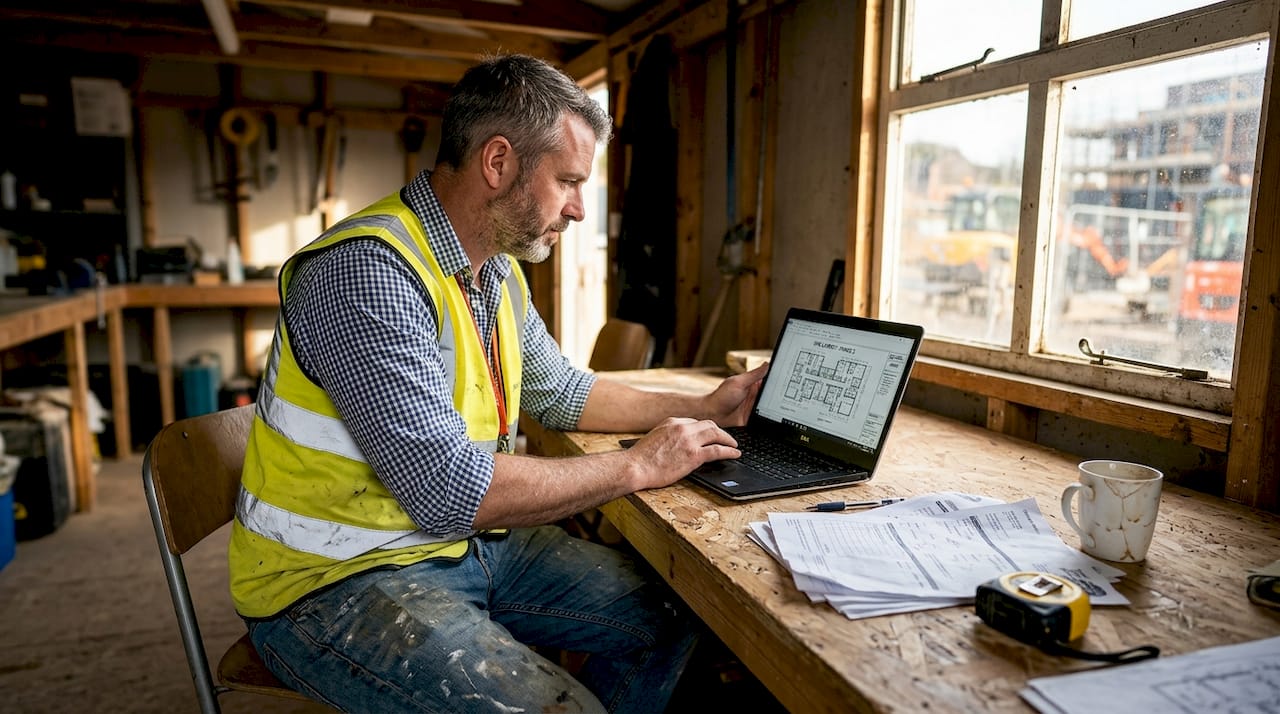
Research demonstrates that communication centralisation unlocks 14-15% productivity gains whilst reducing project delays by approximately 30%. These aren’t marginal improvements. For a typical residential project, a 30% reduction in delays translates to faster completions, earlier payments, and the ability to start new projects sooner. Your team spends less time clarifying instructions and more time executing work.
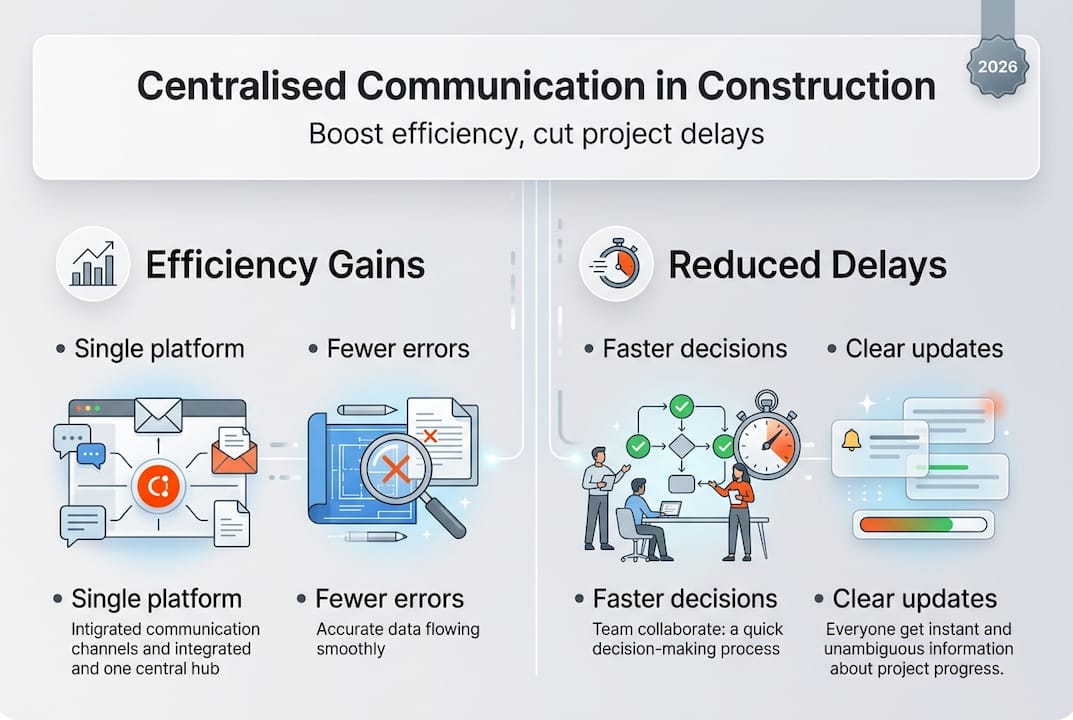
Clear communication through centralised platforms reduces costly rework by ensuring everyone understands specifications, changes, and requirements from the outset. When site managers, subcontractors, and office staff access identical project information, coordination improves naturally. A streamlined construction communication workflow prevents the miscommunications that lead to incorrect installations, material waste, and schedule overruns.
Digitally centralised logs and updates enhance traceability and accountability across your projects. You can track who received which information, when decisions were made, and why changes occurred. This documentation proves invaluable during disputes, inspections, or warranty claims. Pro Tip: Implement daily digital logs through your centralised platform to create an audit trail that protects your business and improves team accountability.
The benefits compound over time as your team becomes proficient with centralised tools:
- Faster onboarding for new team members who access comprehensive project histories
- Reduced time spent searching for information or clarifying outdated instructions
- Improved client confidence through transparent, organised project communication
- Better resource allocation based on centralised data and insights
Risks and challenges of over-centralising communication
Centralising communication introduces a critical vulnerability: creating a single point of failure that can disrupt your entire operation during platform outages. When your team relies exclusively on one digital platform, even brief downtime halts communication, prevents access to crucial project information, and stalls work across multiple sites. This risk becomes particularly acute for SMEs without dedicated IT support to resolve technical issues quickly.
Some construction firms experience severe ‘tech fatigue’ from attempting to manage communication across too many platforms. Skanska uses 200-300 different tools, creating overwhelming complexity rather than streamlined efficiency. Whilst you likely won’t reach that extreme, the principle applies: adding multiple ‘centralised’ platforms defeats the purpose and frustrates your team. Each additional tool requires training, maintenance, and integration effort.
SMEs often lack the IT infrastructure or technical expertise to manage fully centralised systems reliably. Unlike large contractors with dedicated IT departments, your business probably relies on external support or limited internal resources. This constraint means platform issues, integration challenges, or customisation needs can become significant obstacles. You need solutions that work reliably without constant technical intervention.
Over-reliance on a single platform disrupts workflows during outages, updates, or technical problems. Imagine your site managers unable to access today’s schedules because the platform is down for maintenance. Subcontractors can’t submit progress updates. Office staff can’t approve change orders. These scenarios aren’t hypothetical, they’re real risks of excessive centralisation without backup processes.
Balancing centralisation with redundancy, offline modes, or hybrid approaches becomes vital for maintaining operational resilience. You want the efficiency of centralised communication without the vulnerability of total dependence. Pro Tip: Monitor tool usage monthly and streamline your tech stack to avoid overwhelm whilst maintaining necessary redundancy for critical functions.
Common construction communication problems emerge when centralisation goes too far:
- Team resistance to adopting yet another platform after previous failed implementations
- Lost productivity during platform transitions or technical difficulties
- Reduced flexibility when the centralised system doesn’t accommodate specific workflows
- Dependency on internet connectivity in areas with poor mobile coverage
“The single source of truth becomes a single point of failure when systems lack resilience, offline capabilities, or backup processes. SMEs must plan for technology failures, not just technology adoption.” Construction Technology Consultant
Finding the right balance: hybrid and resilient communication strategies
Hybrid approaches combine centralised platforms with offline capabilities and backup tools, delivering efficiency without excessive vulnerability. You maintain one primary communication hub whilst ensuring critical functions remain accessible during outages or connectivity issues. This balanced strategy proves particularly valuable for residential construction where site conditions vary and reliable internet isn’t guaranteed everywhere.
SMEs should adopt resilient communication workflows that guard against total system outages whilst preserving centralisation benefits. Construction SMEs need practical blueprints that acknowledge infrastructure limitations and provide realistic implementation paths. Your resilience strategy should address both technology failures and human factors like training, adoption, and workflow integration.
Implementing hybrid communication requires systematic planning:
- Identify critical communication tasks that must continue during platform outages, such as safety alerts, schedule changes, and urgent approvals.
- Choose tools offering offline or hybrid modes that sync automatically when connectivity returns, ensuring information flows despite temporary disruptions.
- Train teams thoroughly on fallback processes, including when to use backup methods and how to maintain information consistency across systems.
- Document backup procedures clearly so everyone understands alternative communication channels during emergencies or technical issues.
- Test resilience regularly by simulating outages and evaluating how effectively your team maintains operations using backup methods.
This comparison illustrates the trade-offs between fully centralised and hybrid communication approaches:
| Approach | Advantages | Disadvantages |
|---|---|---|
| Centralised only | Maximum efficiency, single source of truth, simplified training | Vulnerable to outages, requires reliable connectivity, single point of failure |
| Hybrid communication | Resilient to outages, works offline, flexible workflows | Slightly more complex, requires sync management, needs clear protocols |
| Decentralised tools | No single point of failure, familiar tools | Fragmented information, inefficient, high miscommunication risk |
Pro Tip: Regularly test fallback procedures quarterly to ensure readiness during outages, treating these tests as essential maintenance rather than optional exercises. Schedule tests during low-activity periods to minimise disruption whilst validating your resilience strategy.
Effective hybrid strategies for residential construction include maintaining offline-capable mobile apps for site documentation, establishing clear protocols for when to use backup communication channels, and ensuring critical project information exists in accessible formats beyond the primary platform. Your goal isn’t eliminating centralisation’s benefits but protecting against its risks.
Consider digital collaboration pitfalls when designing your hybrid approach. Many failures stem from inadequate planning for technology limitations rather than inherent platform problems. Address connectivity issues, provide offline functionality, and maintain simple backup processes that teams actually use during disruptions.
Applying centralised communication to enhance your construction projects
Start by assessing current communication gaps and tool usage across your team. Map how information flows today: which platforms do site managers prefer, where do delays occur, what c
auses miscommunication? This audit reveals specific problems centralisation should solve rather than implementing technology for its own sake. You’ll discover whether fragmentation, unclear protocols, or inadequate tools create your biggest challenges.Select a centralised communication platform tailored to your specific trade and project size. Generic business tools rarely address construction’s unique needs like site-based work, visual documentation, or subcontractor coordination. Residential builders require different features than commercial contractors. Evaluate platforms based on actual workflow requirements, not impressive feature lists. Construction software for builders should simplify rather than complicate your existing processes.
Ensure proper onboarding and continuous training to encourage tool adoption across all team members. Technology only delivers value when people actually use it correctly. Invest time in comprehensive initial training, then provide ongoing support as questions arise. Appoint platform champions within your team who understand the system thoroughly and can assist colleagues. Poor adoption undermines even the best centralisation strategy.
Maintain clear protocols for communication updates, documentation, and issue escalation within your centralised platform. Define what information goes where, who receives notifications, and how urgent matters get flagged. Without these protocols, your centralised platform becomes as chaotic as the fragmented tools it replaced. Document these standards and review them regularly as your processes evolve.
Leverage centralised data to analyse project trends and prevent future delays. Communication improvements deliver compounding benefits as you identify patterns in your project data. Which subcontractors consistently need clarification? Where do schedule delays originate? What communication breakdowns cause the most rework? This insight enables proactive management rather than reactive problem-solving.
Pro Tip: Review and optimise communication workflows quarterly to sustain benefits as your business grows and project complexity increases. What works for three concurrent projects might not scale to six. Regular optimisation prevents gradual efficiency erosion.
Practical implementation steps for SME residential construction:
- Pilot centralised communication on one project before company-wide rollout
- Gather feedback from site managers, subcontractors, and office staff during pilots
- Address concerns and refine protocols based on real-world usage patterns
- Celebrate early wins to build momentum and demonstrate value to sceptical team members
Successful centralisation requires matching technology capabilities to actual workflows. Improving construction communication means understanding your team’s daily realities and selecting tools that enhance rather than disrupt established practices. The best platform becomes the one your team consistently uses because it genuinely makes their work easier.
Discover construction software built for your trade
BRCKS offers centralised communication tools specifically designed for builders, electricians, and plumbers managing residential projects. Our platform addresses the exact challenges discussed throughout this guide: fragmented communication, tool overload, and the need for resilient workflows. We’ve built software that saves construction teams over two hours daily by replacing chaotic WhatsApp groups and email chains with one organised platform.

Designed specifically for SMEs, BRCKS reduces communication delays and project complexity without overwhelming your team with unnecessary features. Our user-friendly interfaces minimise tech fatigue whilst including offline capabilities that maintain functionality during connectivity issues. Whether you’re a builder coordinating multiple trades, an electrician managing installations across sites, or a plumber tracking service calls, BRCKS adapts to your specific workflow. Explore how tailored solutions can transform your team’s communication and project success.
Frequently asked questions about centralising construction communication
What are the main risks of centralising construction communication?
The primary risk involves creating a single point of failure where platform outages disrupt all communication and project access. Tool overload from attempting to centralise through multiple platforms causes tech fatigue rather than efficiency. SMEs often lack IT infrastructure to manage fully centralised systems reliably, making digital collaboration challenging without proper planning and backup processes.
How much does centralised communication software typically cost?
Costs vary significantly based on features, user count, and platform complexity. Many construction-specific platforms charge per user monthly, ranging from £15 to £50 per user. Consider hidden costs like training time, integration requirements, and potential productivity losses during implementation when evaluating total investment.
Can small construction firms benefit from centralised communication?
Absolutely. Small firms often gain the most significant proportional benefits because they’re eliminating highly inefficient fragmented communication without the complexity large contractors face. Centralisation delivers immediate productivity improvements and cost savings that substantially impact SME profitability, provided you choose appropriately scaled solutions.
How do I convince my team to adopt centralised communication tools?
Demonstrate tangible benefits through pilot projects that show reduced confusion and time savings. Involve team members in platform selection so they feel ownership rather than imposition. Provide thorough training and ongoing support to build confidence. Celebrate early wins publicly to build momentum and address concerns promptly to maintain trust throughout the transition.
What features should I prioritise in construction communication software?
Prioritise offline functionality for site-based work, mobile accessibility for field teams, and simple interfaces that require minimal training. Essential features include centralised document storage, task management, and real-time updates. Avoid platforms with excessive features you won’t use, as complexity undermines adoption and creates the tool overload problem you’re trying to solve.
How long does it take to implement centralised communication effectively?
Initial setup typically takes one to two weeks for platform configuration and team training. Full adoption across all projects usually requires one to three months as teams develop new habits and refine workflows. Expect ongoing optimisation for six months as you identify improvements and address emerging challenges in your centralised communication approach.
Recommended
- BRCKS | Construction Project Communication Software
- BRCKS | Construction Project Communication Software
- BRCKS | Construction Project Communication Software
- BRCKS | Construction Project Communication Software
How BRCKS Can Help
Centralising your communication is no longer just an advantage but a necessity for staying competitive in the evolving 2026 landscape. By integrating every conversation and document into a single source of truth, BRCKS empowers your team to eliminate costly misunderstandings and keep projects moving at pace. Our platform is purpose-built to bridge the gap between the office and the site, ensuring that efficiency remains at the heart of your operations. We invite you to discover how BRCKS can transform your project delivery by exploring our features today. Learn more at BRCKS.