How mobile apps transform site management: 15% boost
Learn how mobile apps are transforming UK construction sites, delivering a 15% productivity boost and significantly reducing material wastage through real-time updates.
By James Shorter ·
How mobile apps transform site management: 15% boost
TL;DR:
- Mobile apps improve construction productivity by centralising communication, documentation, and compliance.
- They significantly reduce material wastage and job recalls through Real-time updates and task tracking.
- Successful adoption depends on clear policies, training, and integrating the app into daily workflows.
Traditional methods feel reliable. Clipboards, phone calls, and group chats on WhatsApp have served UK construction teams for years, and many managers still swear by them. But reliability and efficiency are not the same thing. The reality is that mobile apps can increase productivity while simultaneously reducing waste and costly errors on site. For project managers juggling subcontractors, compliance requirements, and tight deadlines, those gains are not just welcome, they are essential. This guide breaks down why mobile apps are becoming indispensable for UK construction, what features actually matter, and how you can move your team towards smarter site management without chaos.
Table of Contents
- Why mobile apps matter for construction site management
- Key features of effective mobile site management apps
- How mobile apps drive real results: productivity, waste and quality
- Overcoming challenges: adoption, training and communication
- A fresh take: what most managers miss about mobile apps on site
- Next steps: find the right app for your team
- Frequently asked questions
Key Takeaways
| Point | Details |
|---|---|
| Boosted productivity | Mobile apps can deliver double-digit improvements in site efficiency for UK construction teams. |
| Cut material waste | Adopting site management apps helps reduce waste, saving on costs and resources. |
| Fewer errors and recalls | Structured mobile workflows lower job recalls and costly mistakes. |
| Easier team communication | Centralised updates and tasks make on-site coordination much simpler. |
Why mobile apps matter for construction site management
Paper-based workflows and fragmented messaging tools carry hidden costs that are easy to overlook until they become serious problems. A site foreman relying on handwritten notes risks losing critical information. WhatsApp threads bury important instructions under an avalanche of photos and off-topic messages. Version control on documents becomes impossible when files are shared via personal phones. These are not minor inconveniences; they directly affect your project timeline, budget, and compliance record.
Mobile apps change this by centralising everything in one place. Updates, task assignments, compliance checklists, and client communications all exist within a single system. Your team stops guessing who said what and when. Accountability becomes visible and traceable. Errors that previously slipped through the cracks are caught before they become expensive rework.
Several key drivers are pushing UK construction companies towards mobile solutions right now:
- Regulatory pressure: Health and safety compliance requires documented evidence, which paper trails manage poorly.
- Rising labour costs: Wasted time searching for information or correcting errors directly reduces margin.
- Client expectations: Clients increasingly expect real-time visibility on project progress.
- Remote and multi-site working: Coordinating across several sites needs a system that travels with your team.
- Competition: Firms already using mobile tools are winning contracts and delivering faster.
The evidence from real UK operations is compelling. Chapman Electrical achieved a 15% productivity increase, a 25% reduction in material wastage, and a 30% drop in job recalls after implementing a custom mobile application. These are not marginal improvements. They represent a substantial shift in how work gets done and how much it costs.
Pro Tip: Before selecting any app, map out your current pain points by category: communication, documentation, compliance, or task tracking. This gives you a clear checklist against which to evaluate any platform.
The ability to reduce material waste alone justifies a serious look at mobile solutions for most UK sites. When materials are ordered based on accurate, real-time data rather than rough estimates from memory, overordering drops significantly. That saving goes straight back to your bottom line.
Key features of effective mobile site management apps
Not every construction app delivers equal value. The market is crowded with tools that promise much and deliver little beyond a digital to-do list. To genuinely transform how your site operates, an app must address specific pain points with purpose-built features.
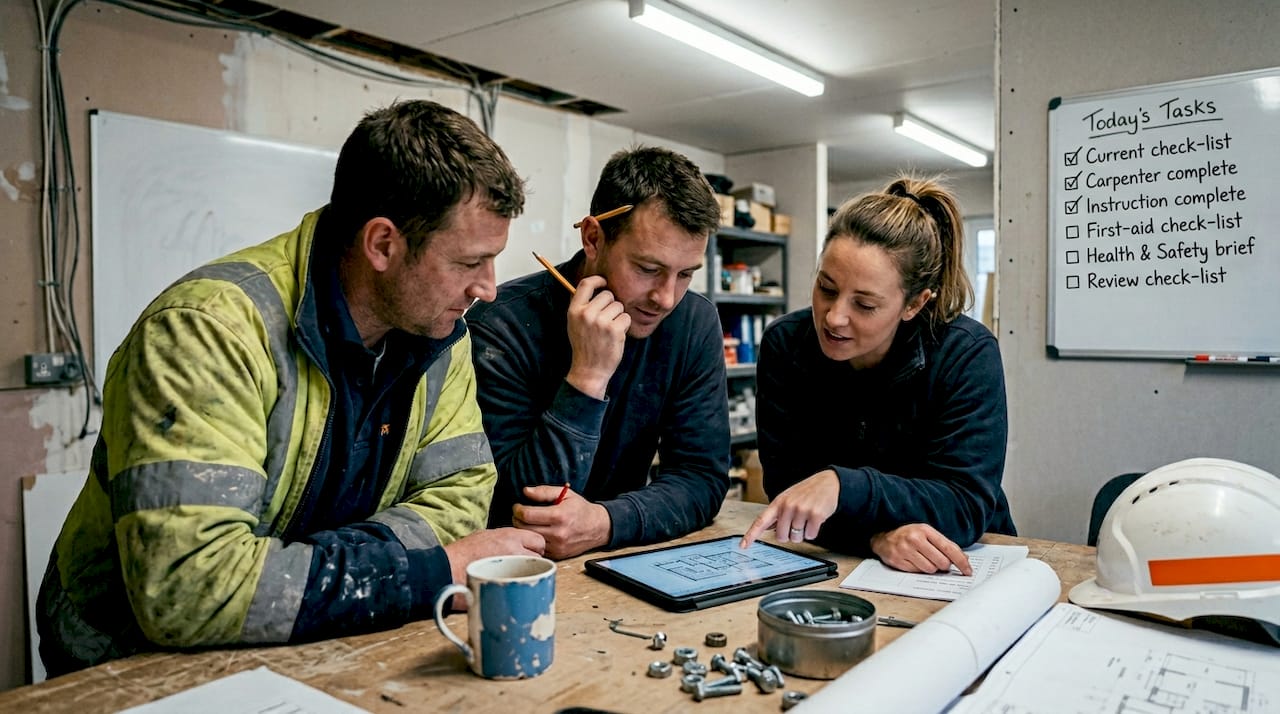
Real-time updates in construction are foundational. When a subcontractor completes a task or raises an issue, the rest of the team should know immediately. Delayed information leads to wasted trips, duplicated effort, and scheduling failures. Real-time visibility prevents all three.
Here is what the essential features should look like across leading platforms:
| Feature | Basic apps | Dedicated construction apps |
|---|---|---|
| Real-time task updates | Sometimes | Yes |
| Document version control | Rarely | Yes |
| Compliance logging | No | Yes |
| Client communication portal | No | Yes |
| Subcontractor access | Limited | Free or included |
| AI-powered search | No | Yes (BRCKS) |
| WhatsApp integration | No | Yes (BRCKS) |
The document management challenges facing UK construction are well documented. Poorly managed files contribute to billions in avoidable costs annually. An app that stores, versions, and retrieves documents reliably is not a luxury; it is a necessity.
Here is how specific features address common site problems:
- Task assignment with deadlines: Removes ambiguity about who is responsible for what and by when.
- Photo and file sharing within tasks: Keeps evidence and instructions attached to the relevant job, not lost in a chat.
- Compliance checklists: Ensures sign-offs happen at the right stages, protecting you legally.
- Meeting recordings and notes: Eliminates disputes about what was agreed during site meetings.
- Client portals: Gives clients controlled visibility without flooding your team with queries.
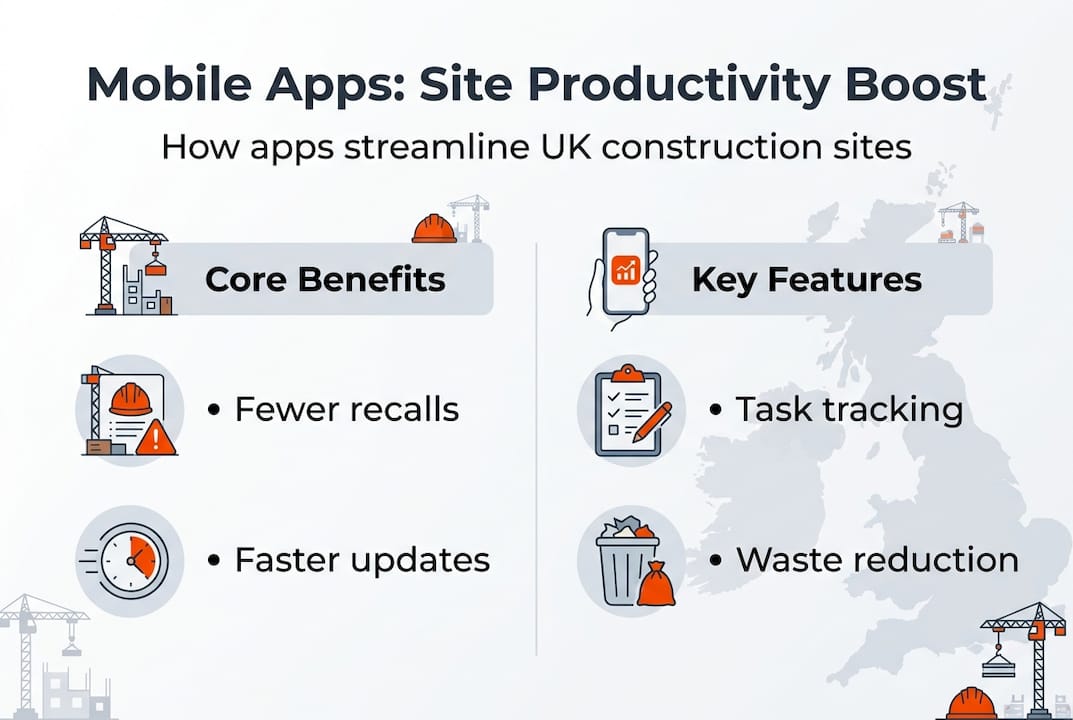
Mobile solutions reduce job recalls by 30% through structured information and task tracking. When technicians arrive on site with complete, accurate instructions rather than verbal briefings, they complete the job correctly the first time. That consistency is what separates high-performing sites from struggling ones.
How mobile apps drive real results: productivity, waste and quality
Having identified what matters in an app, the concrete gains seen by UK teams moving to mobile workflows make the case clearly.
| Metric | Before mobile app | After mobile app | Improvement |
|---|---|---|---|
| Staff productivity | Baseline | 15% increase | Significant |
| Material wastage | Baseline | 25% reduction | Major saving |
| Job recalls | Baseline | 30% reduction | Quality gain |
The 15% productivity gain, 25% material reduction, and 30% job recall reduction achieved by Chapman Electrical demonstrate what structured mobile workflows actually deliver on real sites.
Stat to remember: A 30% reduction in job recalls means fewer return visits, less disruption, and significantly lower costs per project. Over a year, that compounds into substantial savings.
Here is how a typical workday looks different when your team uses a mobile app properly:
- Morning briefing: The project manager assigns tasks through the app before arriving on site. Every operative receives their instructions on their device.
- On-site execution: Workers log progress, upload photos, and flag issues in real time. No paperwork to complete later.
- Material requests: Accurate quantities are submitted through the app, reducing overordering and shortages.
- Compliance checks: Checklists are completed digitally at each stage, with automatic timestamps and signatures.
- Client update: The project manager sends a progress summary directly through the client portal, without a separate email or phone call.
- End-of-day review: The full team’s progress is visible on one screen. Issues are flagged for tomorrow. No chasing required.
Exploring a material waste reduction case study shows how this plays out across different project types and team sizes. The project communication benefits extend beyond internal teams too, directly improving client relationships and reducing disputes.
Overcoming challenges: adoption, training and communication
The results are clear. Getting your team to embrace the change is where most implementation efforts stall.
Common resistance points include fear that new technology is too complex, concern about device availability on site, and scepticism from experienced workers who have used the same methods for decades. These are legitimate concerns, not excuses, and addressing them directly determines whether your rollout succeeds or quietly fades.
Here are practical steps to encourage adoption and make training effective:
- Start with a pilot team: Choose an engaged foreman and a small crew to test the app first. Early success stories from peers are far more persuasive than management mandates.
- Provide hands-on training: Short, practical sessions on real tasks work better than manuals. Show workers exactly what they will use every day.
- Choose apps with UK-based support: When issues arise on site, responsive support matters. Generic offshore helpdesks create frustration.
- Address device concerns early: Many platforms run on standard Android smartphones. If device access is an issue, factor a small hardware budget into the rollout plan.
- Communicate the ‘why’ clearly: Crew members adopt tools faster when they understand the benefit to them personally, not just to the company.
Review the practical steps for site communication to build a structured approach to your team briefings. Strong project coordination best practices give you a framework for keeping adoption on track after the initial launch.
“Structured mobile processes reduced job recalls by 30% at Chapman Electrical, proving that positive change is entirely achievable when teams commit to the process.”
Pro Tip: Do not try to replace every tool at once. Introduce the app for one workflow, such as task tracking, before expanding to document management and client communication. Incremental change sticks.
A fresh take: what most managers miss about mobile apps on site
Here is something worth saying plainly: downloading an app does not fix a broken process. We see this repeatedly. A manager invests in a platform, sends a quick message to the team, and expects results. When adoption is poor, the app gets blamed.
The real issue is almost always culture and standardisation. If your team still sends job updates via WhatsApp alongside the new app, you have two systems competing for attention. That creates double-handling and confusion, which is worse than having no app at all. Fixing communication issues requires clear policy, not just new software.
The managers who see the biggest gains treat the app as the official channel from day one. No parallel messaging. No exceptions. They set the tone, and the team follows. The technology itself is almost secondary to that commitment.
Long-term, the sites that win are the ones that plan projects around their mobile platform from the start, building workflows, compliance stages, and client updates directly into the app’s structure. Mobile becomes the spine of the project, not a bolt-on extra.
Next steps: find the right app for your team
You now have a clear picture of what effective mobile site management looks like and what it can deliver. The next practical step is finding a platform built specifically for construction teams like yours.

BRCKS construction software is purpose-built for UK project managers, site supervisors, trades, and subcontractors. It consolidates task management, document sharing, client communication, and team chat in a single platform, with WhatsApp integration and AI-powered search that saves teams over two hours every day. Subcontractor access is free, setup is quick, and support is real. Explore construction communication tools that fit the way your site actually works, and get BRCKS free for 14 days to see the difference for yourself.
Frequently asked questions
How can mobile apps reduce site management costs?
Mobile apps cut costs by reducing material wastage, minimising errors, and improving communication. Chapman Electrical’s results showed a 25% reduction in waste and a 15% productivity gain, both of which directly reduce project expenditure.
Are mobile apps difficult for construction teams to adopt?
Most teams adjust well when practical training is provided and the app is designed for construction scenarios. Structured mobile processes reduced job recalls by 30% at Chapman Electrical, showing that committed teams adapt quickly.
What features should a good construction site app have?
Essential features include real-time task updates, document version control, compliance logging, photo sharing, and a client communication portal to keep all project activity in one traceable place.
Can mobile apps improve client communication on site?
Yes. Dedicated client portals within construction apps allow project managers to share progress updates and documents directly, reducing the volume of queries and preventing miscommunication.
Will mobile apps replace WhatsApp for site coordination?
Dedicated construction apps provide structured task management, compliance records, and document control that WhatsApp simply cannot offer, making them a far more reliable choice for professional site teams.
Recommended
- Construction Mobile Apps: Reduce Material Waste by 25% | BRCKS
- Improve Site Communication: 5 Steps for UK Construction | BRCKS
- Real-Time Updates in Construction: Boosting Project Success | BRCKS
- BRCKS - Construction Software That Ends WhatsApp Mayhem
- Mobile optimisation guide for cannabis businesses 2026
How BRCKS Can Help
Embracing mobile technology is no longer just an advantage but a necessity for staying competitive in today’s fast-paced construction landscape. By integrating BRCKS into your daily operations, you can seamlessly capture the 15% productivity boost discussed by digitising workflows and improving real-time communication between the office and the field. Our platform is designed to simplify complex site management, ensuring your projects remain on track and within budget. We invite you to explore how BRCKS can modernise your site management and help your team achieve more every day. Learn more at BRCKS and explore our full feature set.