Boost construction collaboration with mobile apps: 25% less waste
UK construction firms are achieving a 25% reduction in material wastage by adopting purpose-built mobile apps to streamline site-to-office communication.
By James Shorter ·
Boost construction collaboration with mobile apps: 25% less waste
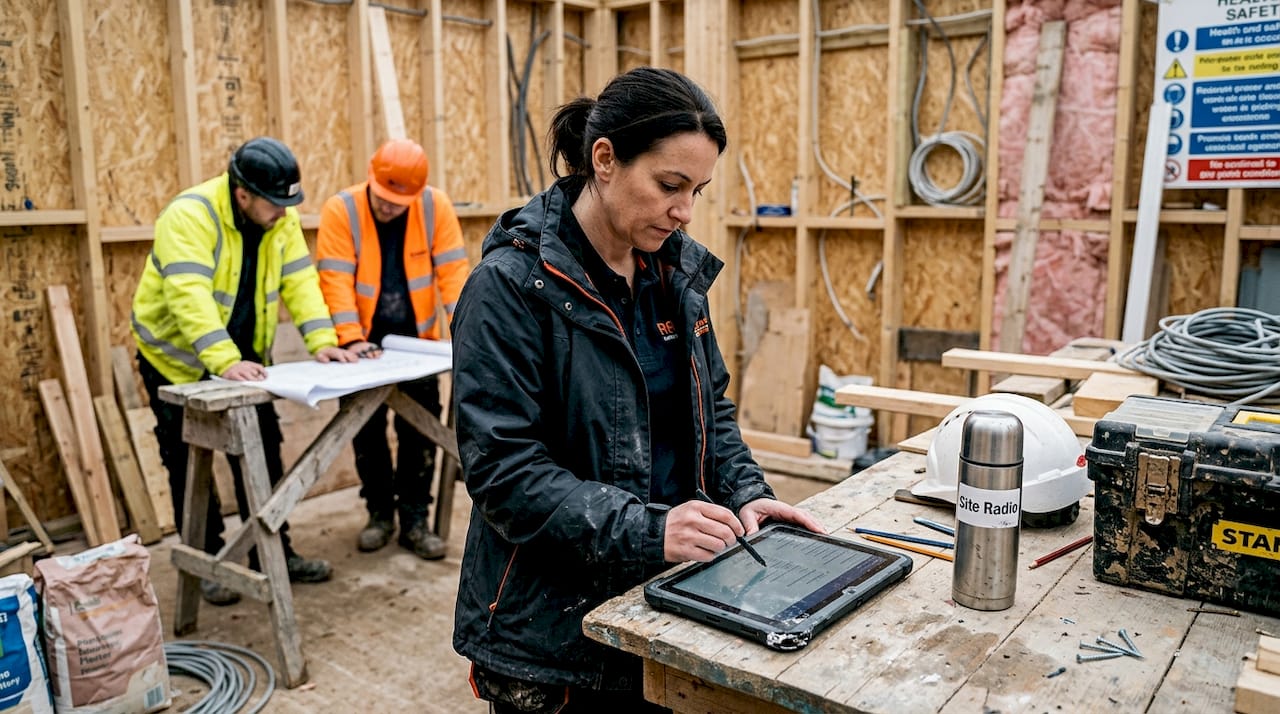
Mobile apps are no longer a novelty in UK construction. They are a measurable competitive advantage. Firms that have already adopted purpose-built apps are reporting fewer errors, faster communication, and leaner workflows. One electrical contractor saw material wastage drop 25% after deploying a custom mobile solution. If you are a project manager or team leader still relying on phone calls, spreadsheets, and group chats to coordinate your site, this article will show you exactly how mobile apps solve real problems, which types suit different teams, and how to roll out a solution your crew will actually use.
Table of Contents
- How mobile apps address core challenges in construction
- Comparing popular app solutions: Enterprise, field-first and custom
- Real-world impact: UK construction case studies
- Practical steps to introduce mobile apps on site
- Find the right mobile app for your construction project
- Frequently asked questions
Key Takeaways
| Point | Details |
|---|---|
| Apps drive measurable gains | Mobile apps can reduce material wastage, job recalls, and boost staff efficiency significantly. |
| Choosing the right app matters | Selecting between enterprise, field-first, or custom apps depends on project needs and team skills. |
| Real results proven in UK | Case studies show British firms improving productivity and communication with mobile solutions. |
| Implementation is critical | Roll-out strategies and upfront training ensure your app investment delivers maximum impact. |
How mobile apps address core challenges in construction
Construction projects fail for predictable reasons. Delayed updates leave subcontractors working from outdated drawings. Miscommunication between site and office causes rework. Compliance paperwork gets lost. These are not new problems, but mobile apps are finally giving teams the tools to tackle them in real time.
The most immediate gain is communication speed. When a site manager spots a problem, a mobile app lets them photograph it, tag the relevant trade, and log it against the correct task in seconds. No phone tag. No waiting until the end-of-day briefing. Everyone sees the update instantly.
Beyond speed, apps centralise data. Instead of drawings living on one person’s laptop and safety records in a filing cabinet, everything sits in one accessible place. This matters enormously for reducing construction errors because teams stop making decisions based on incomplete information.
Safety is another area where the evidence is compelling. Digital monitoring reduces incidents on construction sites, with IoT sensors and mobile incident reporting giving managers a live picture of site conditions. The practical benefits of effective project management are well documented, and mobile apps are now central to delivering them.
Here is what mobile apps directly address on a typical UK construction project:
- Delayed updates: Push notifications and live task feeds replace end-of-day verbal briefings
- Miscommunication: Centralised messaging and file sharing eliminate version confusion
- Rework: Real-time task tracking flags issues before they become costly mistakes
- Compliance gaps: Digital checklists and automated audit trails keep records accurate
- Safety incidents: Mobile reporting and IoT integration give managers faster visibility
The common thread across all of these is that digital collaboration problems rarely stem from a lack of effort. They stem from fragmented tools that force teams to work around the system rather than with it.
Comparing popular app solutions: Enterprise, field-first and custom
Not every app suits every team. The market broadly splits into three categories, each with distinct strengths and trade-offs.
| App type | Best for | Key strengths | Watch out for |
|---|---|---|---|
| Enterprise (e.g. Procore) | Large, complex projects | Extensive feature set, integrations | Steep learning curve, high cost |
| Field-first (e.g. Fieldwire) | Smaller teams, fast deployment | Quick setup, easy adoption | Limited scope for complex workflows |
| Custom apps | Niche or specialist trades | Tailored fit, high efficiency gains | Higher upfront investment |
Enterprise versus field-first platforms is a genuine debate among UK managers. Enterprise tools like Procore offer powerful reporting and deep integrations, but they demand significant training time and budget. Field-first tools like Fieldwire get teams productive quickly, though they may not scale well as project complexity grows.
Custom apps sit in a different category entirely. They are built around your specific workflow, which means the gains can be substantial. The trade-off is a higher initial investment and longer build time. For specialist trades with repeatable processes, the return is often worth it.
Before you commit to any platform, it is worth understanding the hidden software costs that rarely appear in the headline pricing. Licensing per user, integration fees, and training time all add up.
Pro Tip: Match your app choice to your project complexity and team size. A ten-person groundworks firm does not need the same platform as a 200-person main contractor. Start with what your team will actually use, then scale. You can find further construction management insights to help you evaluate your options.
Key questions to ask before choosing:
- How quickly does the team need to be productive?
- Does the app integrate with your existing accounting or scheduling tools?
- What does the vendor’s support and onboarding look like?
- Is pricing per user, per project, or flat rate?
Real-world impact: UK construction case studies
Data from UK firms shows that mobile app adoption is not just a theoretical improvement. The numbers are concrete.
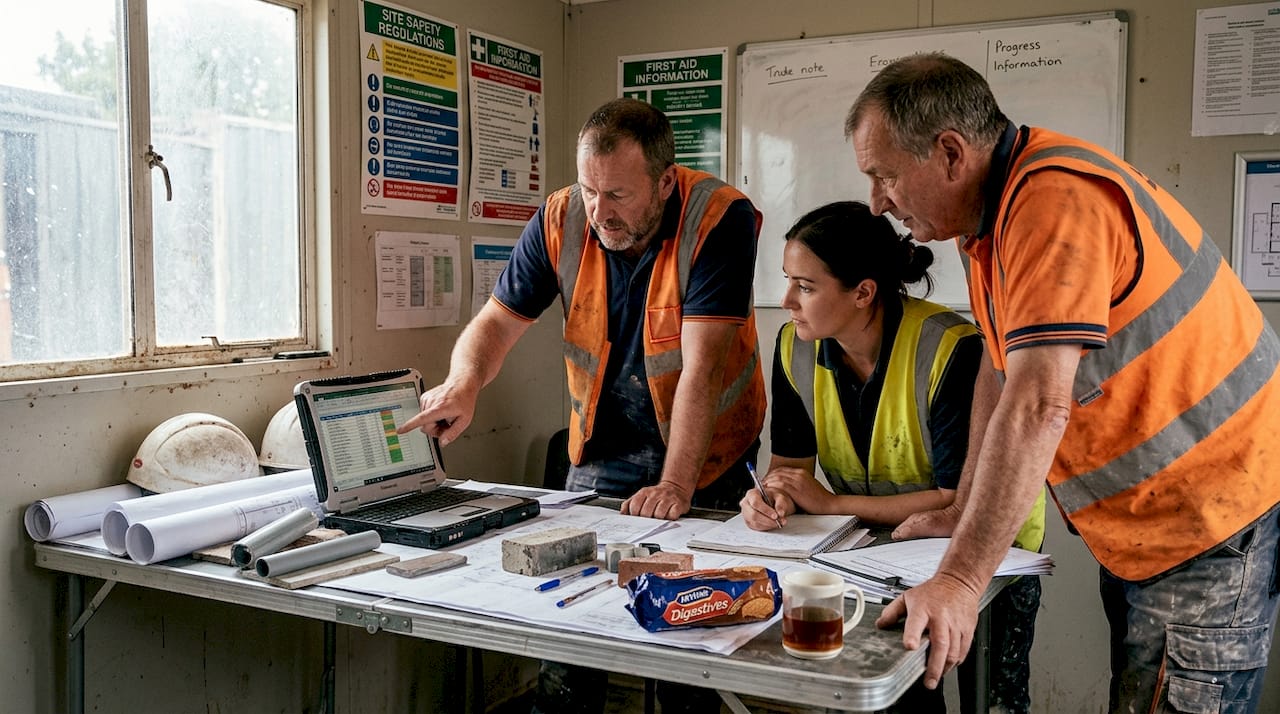
Chapman Electrical is one of the clearest examples. After deploying a custom mobile app, the firm recorded a 25% reduction in material wastage, a 30% drop in job recalls, and a 15% improvement in staff efficiency. These are not marginal gains. They represent a fundamental shift in how the team operates day to day.
| Metric | Before app | After app | Change |
|---|---|---|---|
| Material wastage | Baseline | Reduced | -25% |
| Job recalls | Baseline | Reduced | -30% |
| Staff efficiency | Baseline | Improved | +15% |
How did they get there? The process followed a clear sequence:
- Audit existing workflows to identify where errors and delays were occurring most frequently
- Map the app to those specific pain points rather than adopting every feature at once
- Pilot with a small team before rolling out site-wide
- Measure outcomes against the baseline from step one
- Iterate based on feedback from the people using it daily
This approach works because it keeps the focus on solving real problems rather than chasing technology for its own sake. Firms that skip the audit stage often find adoption stalls because the app does not map to how the team actually works.
For managers overseeing multiple sites, construction site monitoring guidance offers practical frameworks for maintaining visibility without being physically present everywhere. Combined with a solid rework reduction workflow, mobile apps can cut the kind of costly repetition that erodes margins on even well-run projects. Emerging technologies like drone applications in construction are also beginning to integrate with mobile platforms, giving site managers aerial data alongside ground-level reporting.
Practical steps to introduce mobile apps on site
Knowing the benefits is one thing. Getting your team to actually use a new app is another challenge entirely. Here is a realistic process for rolling out mobile technology on a UK construction site.
- Define the problem you are solving. Do not introduce an app because it looks impressive. Identify one or two specific pain points, such as slow defect reporting or lost compliance records, and choose a tool that addresses those directly.
- Involve your team early. Site workers and subcontractors are more likely to adopt a tool they helped choose. Run a short demo, gather feedback, and address concerns before launch.
- Start with a pilot. Choose one project or one team to test the app. This limits disruption and gives you real data before a full rollout.
- Invest in training. The most common reason app adoption fails is insufficient onboarding. Even a two-hour session can make the difference between a tool that gets used and one that gets ignored.
- Measure and share results. When the pilot shows improvements, share those numbers with the wider team. Concrete evidence builds buy-in faster than any sales pitch.
Digital monitoring reduces project delays and improves safety outcomes, but only when teams are equipped to use the tools properly. Technology alone does not deliver results. Adoption does.
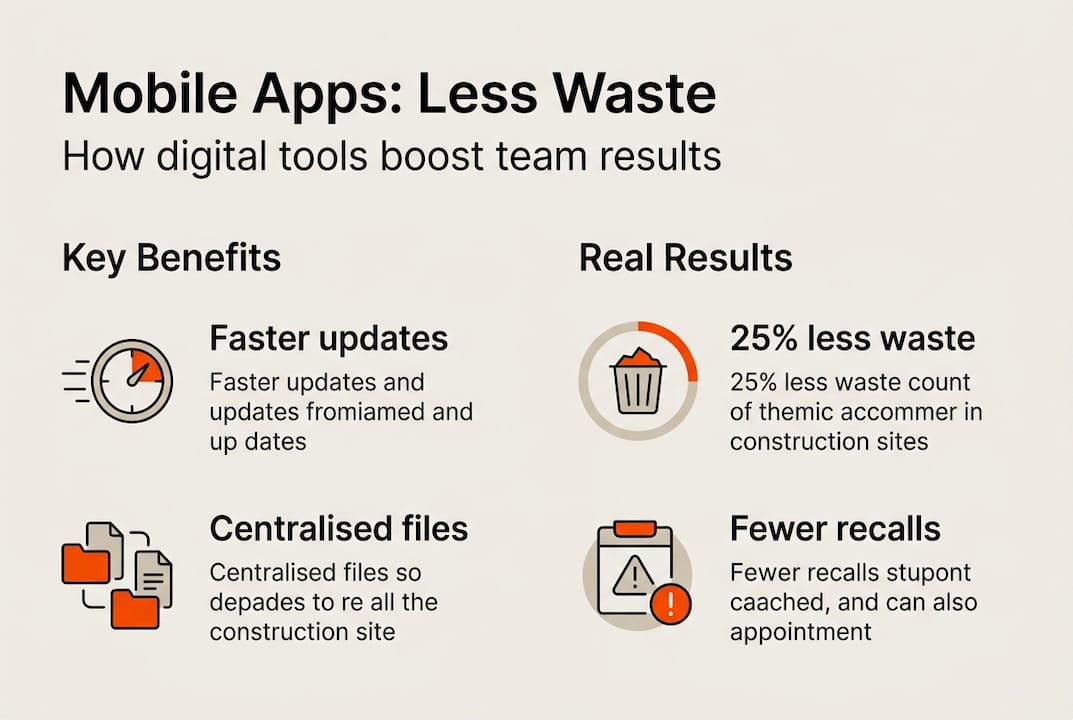
Pro Tip: Start small, measure wins, and iterate. A single successful pilot creates momentum that makes the next rollout far easier. Avoid the temptation to switch every process at once.
Common pitfalls to avoid:
- Choosing an app with a complicated interface that slows teams down rather than speeding them up
- Neglecting training and assuming the team will figure it out
- Failing to integrate the app with existing tools, creating yet another silo
- Not setting clear expectations about how and when the app should be used
If your team currently relies on WhatsApp for client updates, it is worth understanding the limits of WhatsApp before assuming it can serve as your primary communication platform. For builders specifically, purpose-built software for builders offers functionality that general messaging tools simply cannot match. Structured client communication strategies also play a key role in ensuring your app investment translates into stronger client relationships.
Find the right mobile app for your construction project
If the case studies and frameworks above have made one thing clear, it is that the right app depends entirely on your team, your projects, and your workflows. Generic tools often create as many problems as they solve.
 BRCKS.io">
BRCKS is built specifically for UK construction teams. It brings together task management, team chat, file sharing, client portals, and meeting recordings into a single platform that your crew can get up and running quickly. There are no steep learning curves and no hidden fees for subcontractor access. Whether you are a builder managing multiple sites or a project manager coordinating trades, BRCKS for builders gives you the tools to keep communication clear and projects on track. Explore communication software for UK builders to see how it compares, or check the BRCKS vs WhatsApp breakdown to understand exactly what you gain by switching to a purpose-built platform.
Frequently asked questions
How do mobile apps reduce errors on construction projects?
Mobile apps enable real-time information sharing and task tracking, and information sharing cuts errors by up to 70% in UK projects by keeping teams aligned and documentation accurate.
Are custom apps worth it for small construction firms?
Yes, particularly for firms with repeatable specialist workflows. A custom app reduced wastage by 25% and job recalls by 30% at Chapman Electrical, demonstrating that tailored solutions often outperform generic alternatives.
How do mobile apps impact health and safety management?
Mobile apps streamline incident reporting and enable digital safety monitoring. Digital monitoring reduces incidents on site, giving managers faster visibility and supporting higher compliance standards.
What is the best way to introduce mobile apps to our team?
Start with a pilot on one project, choose an app with a simple interface, and invest in upfront training. Construction management insights consistently show that structured onboarding is the single biggest factor in successful adoption.
Recommended
- WhatsApp vs BRCKS | Built for Construction Projects
- BRCKS | Construction Project Communication Software
- BRCKS | Construction Project Communication Software
- Construction Communication Software for UK Builders
- Efficient Project Management Processes Explained
How BRCKS Can Help
By integrating mobile technology into your daily site operations, you can significantly reduce material waste and streamline communication across your entire team. BRCKS provides the intuitive digital tools necessary to bridge the gap between the office and the field, ensuring every stakeholder has access to real-time data. This synchronised approach not only minimises costly errors but also fosters a more sustainable and profitable building process. We invite you to explore how BRCKS can transform your project delivery and help your firm achieve these vital efficiency gains. Learn more at BRCKS.