Top 5 Construction Client Portal Alternatives 2026
Struggling with expensive project management software? Explore the top 5 construction client portal alternatives to enhance communication and project tracking for UK SMEs.
By James Shorter ·
Top 5 Construction Client Portal Alternatives 2026

Switching between separate tools for project scheduling, site communication and client approvals wastes hours each week for UK construction SMEs. Too many project management platforms either tie core features to expensive enterprise packages or fail to support site realities like free subcontractor logins and WhatsApp-native updates. This article compares the costs, approval flows and communication ease of five construction project management options so you can shortlist one for your team that suits UK regulatory needs and hands-on builders.
Table of Contents
- BRCKS
- Buildertrend
- Site Manager Pro
- Sync Software
- Projul Client Portal
- Comparative Analysis of Construction Project Management Solutions
BRCKS
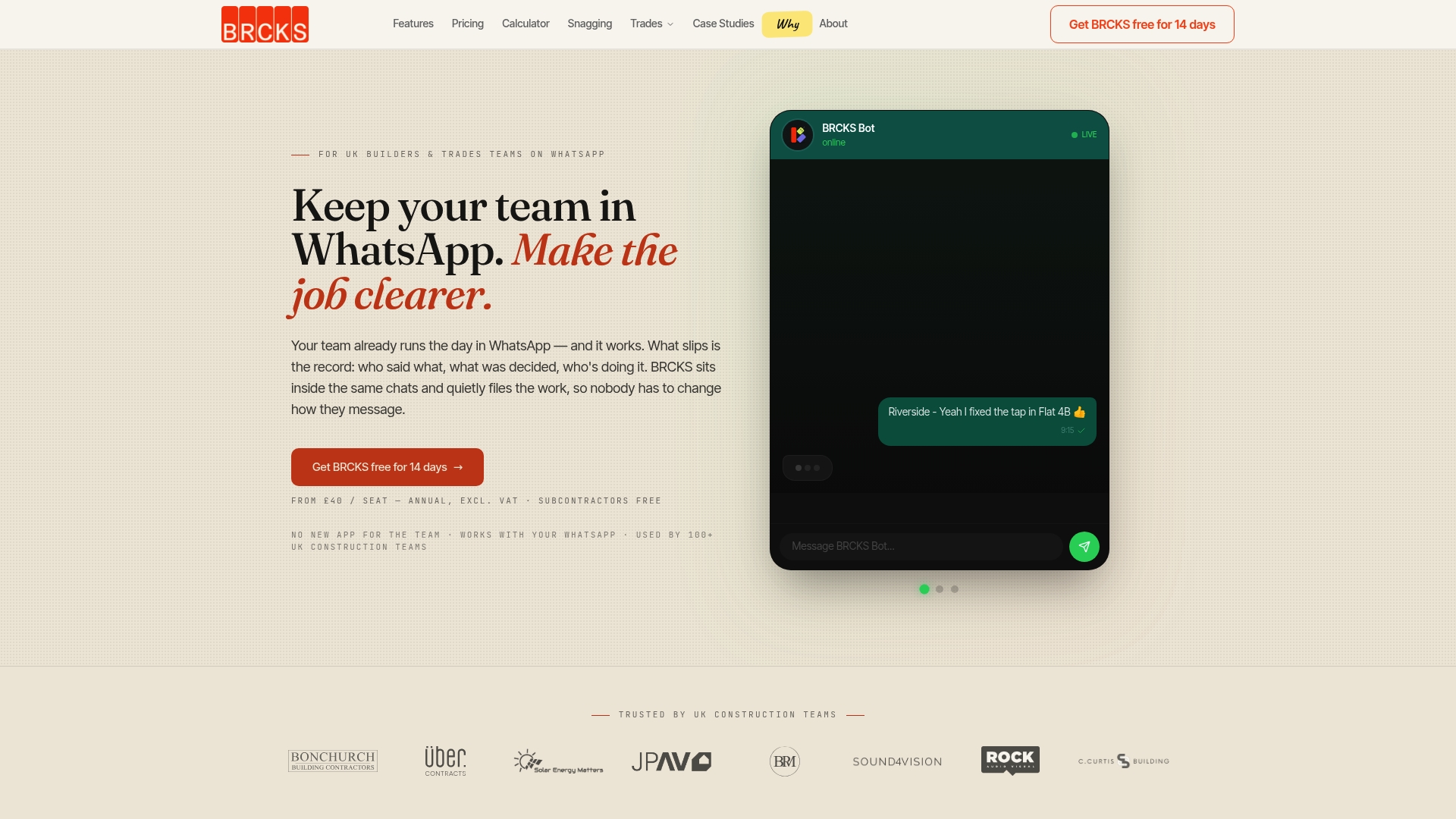
At a Glance
£40 per seat per month with annual billing and free subcontractor access is BRCKS’s headline figure, a pricing approach that reduces per-subcontractor cost friction on small residential programmes. The product links directly with WhatsApp so you do not force trades onto a new app.
According to the company, automation and AI summaries reduce manual effort, saving teams over two hours daily; treat that as a vendor claim rather than an independently verified outcome.
Core Features
- Seamless integration with WhatsApp that automatically logs messages, photos and decisions into project records for later search.
- Organised project spaces with searchable files, task assignment and tracking, and deadline management so nothing is lost in chat.
- Automatic daily summaries and dashboards powered by AI to turn long chat threads into brief project reports.
- Meeting recordings, checklists and a centralised client portal to collate handover material and snag lists.
Key Differentiator
BRCKS is built for UK trades and designed to operate inside the messaging tool most teams already use. That removes the friction of retraining site crews and keeps a single source of truth for approvals and snagging while preserving the conversational flow teams prefer.
Pros
-
Fast adoption. Working in WhatsApp means crews keep using a familiar interface while BRCKS captures and organises the result, cutting training time on site.
-
Cost clarity. The £40/seat/month rate with free subcontractors helps smaller builders scale access without monthly surprises on agency or contractor-heavy projects.
-
Better handovers. Automatic logging of photos, decisions and snagging creates a searchable record that speeds client sign-off and reduces disputes at handover.
-
Built for UK practice. Terminology and workflows align with tradespeople and site supervisors, so the product fits local processes rather than forcing new language on teams.
Cons
- Advanced reporting is limited compared with enterprise project tools, so teams that rely on customised analytics or deep programme-level resource forecasting may find BRCKS short on exportable, pivotable data.
Who It’s For
BRCKS suits small and medium UK construction teams, site supervisors and sole traders who want structured records without replacing WhatsApp. It is particularly useful for residential builders managing multiple small sites, where subcontractor licence costs and rapid onboarding matter.
Unique Value Proposition
Free subcontractor access plus WhatsApp-native logging changes the cost and behaviour equation on subcontractor-heavy projects. Rather than buying seats for every sub or forcing new apps, you capture the same conversations for proof and handover without adding licence overheads or extra training days.
Real World Use Case
A residential builder running three refurbishments keeps day-to-day chat in WhatsApp and lets BRCKS automatically record images, approvals and snagging notes. When handover arrives, a searchable timeline replaces frantic inbox searches and speeds release of final payments.
Pricing
Pricing is clear: £40/seat/month billed annually. Subcontractors do not incur a charge and the plan can be cancelled at any time, which simplifies budgeting for seasonal peaks and short projects.
Website: https://brcks.io
Buildertrend
At a Glance
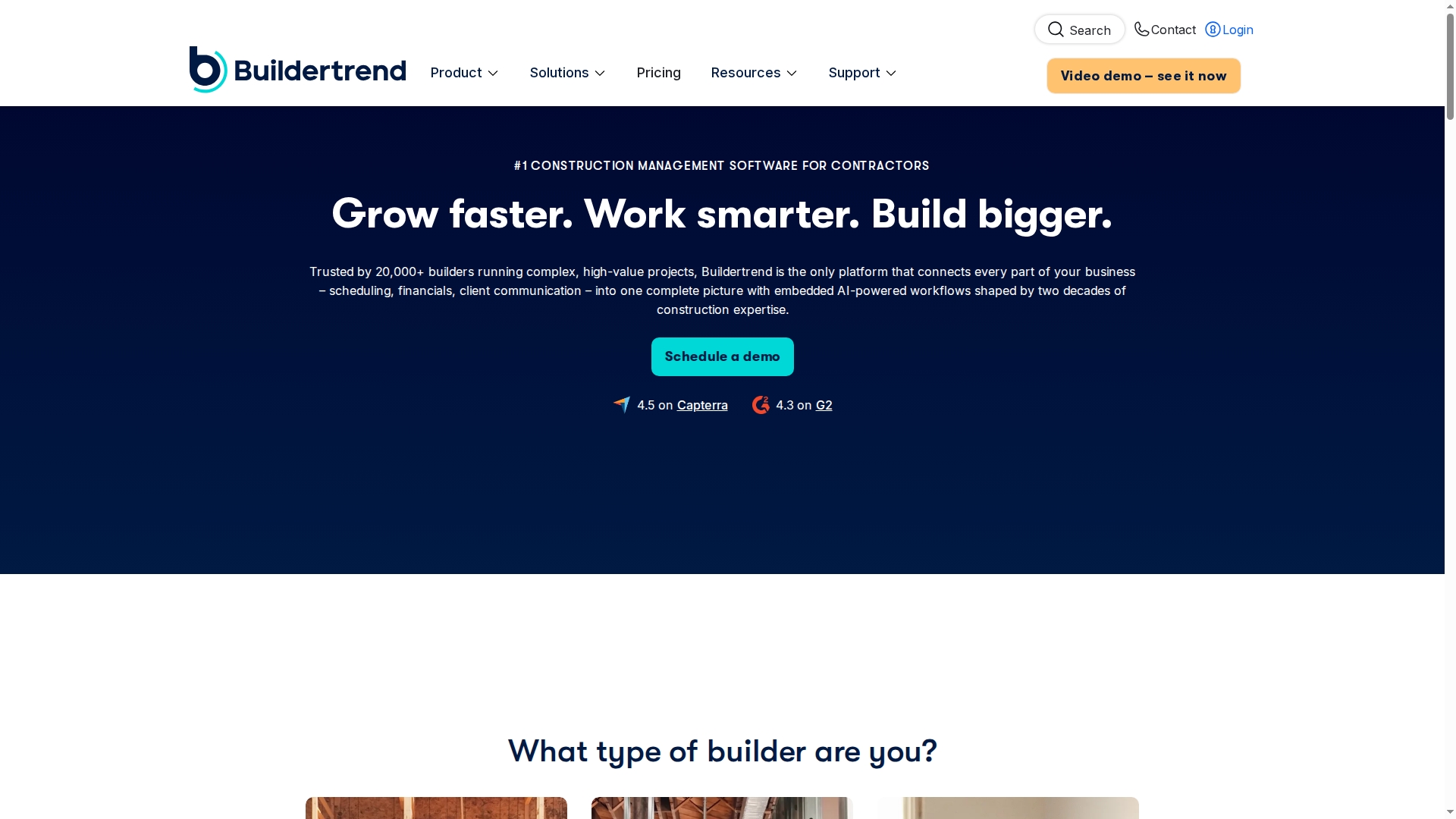
Buildertrend’s marketing materials state it is used by more than 20,000 builders worldwide, a scale the vendor highlights when discussing enterprise features. The platform bundles scheduling, financials, sales and client communication into a single environment with AI enhanced workflows and unlimited users.
Core Features
- Unified project management that links schedules, change orders, punch lists and logs for end to end visibility.
- AI powered workflows that aim to reduce repetitive admin based on construction patterns and past projects.
- Sales management that tracks leads through to signed contracts and handover.
- Financial controls including job costing, forecasting, WIP reporting and online payments.
Key Differentiator
Buildertrend positions itself as a single system for larger, complex builds where sales and delivery must connect tightly with finance and scheduling. Compared with BRCKS, which is WhatsApp native and geared to rapid setup and field-first communication, Buildertrend is aimed at scale and process consolidation.
Pros
- The vendor claims broad adoption among builders which supports an ecosystem of templates and industry workflows; that figure above underpins the product’s sector focus.
- Unlimited users and projects remove per-seat cost barriers when teams grow across multiple sites.
- Built in financials reduce spreadsheet juggling by pulling job costing into a single record for forecasting and WIP reports.
- Onboarding and support are a selling point; larger teams receive hands-on setup and training to get projects live quicker.
Cons
- Several users report platform slowness and occasional availability issues that disrupt day to day operations in busy periods.
- Mobile functionality is limited for trades; the app can feel less intuitive on smaller screens which affects field adoption.
- Customisation options can feel constrained for enterprise workflows that need deep configuration beyond templates.
- Autosave and data saving behaviours have been flagged for causing confusion or apparent data loss unless users follow careful steps.
When It May Not Fit
If your business is a small crew that needs a simple, phone first tool for tradespeople this will likely be more than you need. If you rely on rapid field entry from subcontractors who resist apps, uptake problems will erode value. Companies needing extensive bespoke customisation may find the platform restrictive.
Notable Integrations
- QuickBooks for accounting synchronisation.
- Xero as an alternate finance integration for firms that prefer that ledger.
- Gusto to link payroll and contractor payments.
- The Home Depot Pro Xtra for supplier and purchasing workflows.
Who It’s For
Established builders and remodelers running five or more projects a year who need an integrated place for sales, finance and delivery. Teams that expect formal onboarding and can commit to change management will see the most benefit.
Real World Use Case
A luxury custom home builder uses Buildertrend to manage design approvals, budget revisions and subcontractor schedules across a dozen parallel projects. The single record for costs and change orders reduced disputes and sped client updates during critical build phases.
Pricing
Pricing is customised per business and provided after a sales consultation. Buildertrend offers discounts for annual prepayment and packages tailored to company size and onboarding requirements.
Website: https://buildertrend.com
Site Manager Pro
At a Glance
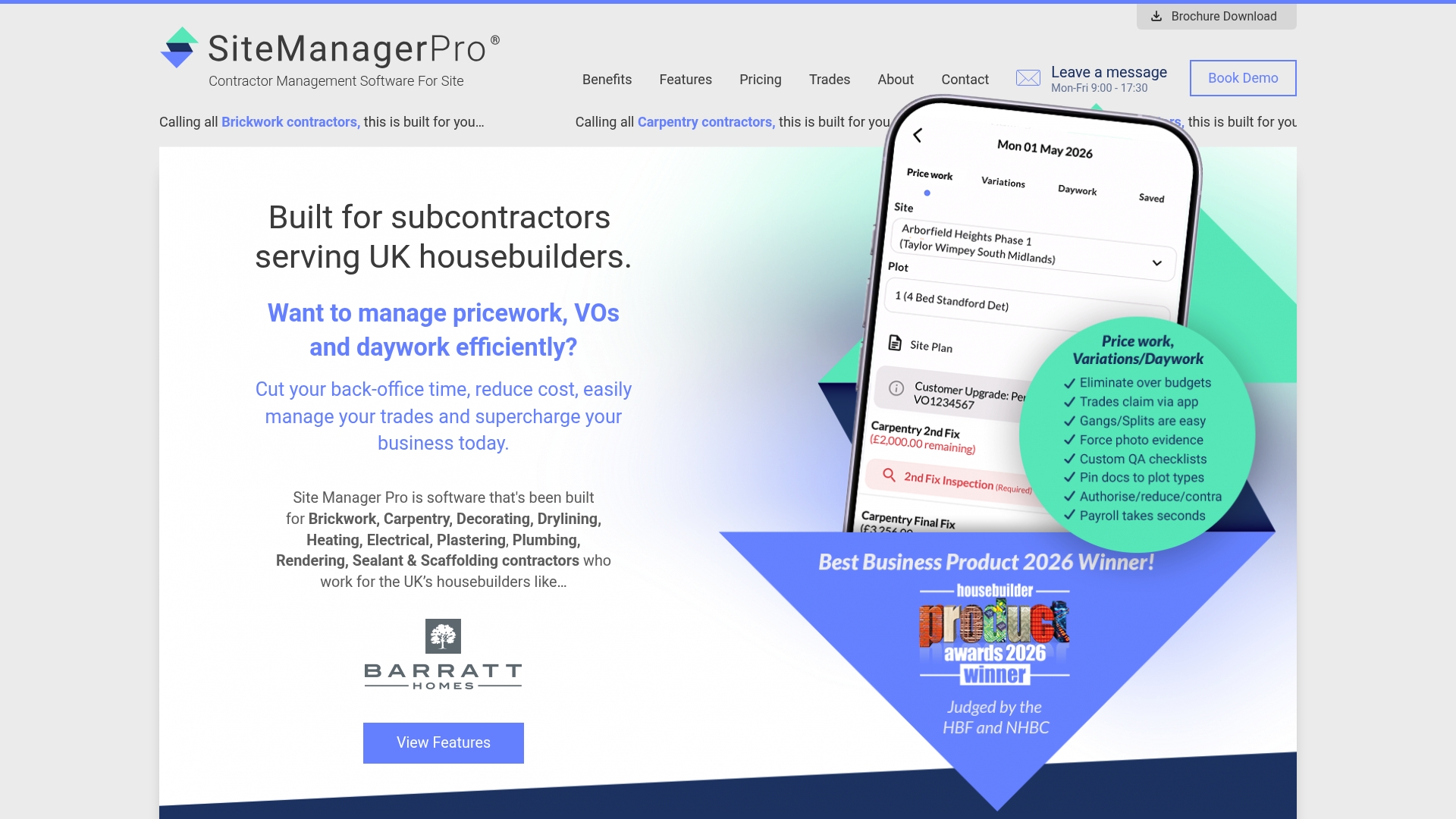
Tiered packages start at £245 and scale to £1,995 per month depending on workforce size, a concrete pricing range that helps contractors budget before a demo. The vendor says it is trusted by several UK housebuilders.ebuilders and has won industry awards, a claim drawn from Site Manager Pro’s marketing.
Core Features
- Digital wage booking from mobile devices for same‑day labour payments and straightforward payroll reconciliation.
- Custom inspections, snagging workflows and handover management to keep quality checks visible to site teams and clients.
- Real-time labour and wage control so managers see daily labour costs and can flag variations before margins erode.
- Competency and certification tracking alongside document sharing and custom site reports for audit trails.
Key Differentiator
The product is built with UK housebuilders in mind and focuses on trade-based site workflows accessed from mobile phones. That orientation means forms, sign-offs and wage booking match common site routines rather than forcing office-style processes onto site teams.
Pros
- Modular layout reduces needless screens for site teams, so subcontractors learn the app faster and use fewer clicks to complete a sign-off.
- Mobile-first features let supervisors record inspections, book wages and upload evidence from the same phone they carry all day.
- Integrated wage control ties daily labour booking to project cost lines, which helps protect margins when variations appear.
- Onboarding and training are part of the package, with dedicated account management for larger contractors.
- The vendor claim of housebuilder trust and industry awards gives procurement teams a conversation starter during supplier shortlisting.
Cons
- Publicly available independent reviews are scarce, so user-reported pain points and long term reliability are hard to verify.
- Limited direct user feedback makes independent sentiment analysis difficult for procurement teams that rely on peer references.
- Enterprise or bespoke module needs may require custom quotation, which adds procurement friction for larger contractors.
Who It’s For
Site Manager Pro suits contractors and subcontractors working on UK residential projects who need mobile tools to run site teams, manage wages and deliver inspection evidence. It targets firms working with housebuilders rather than highly customised commercial contractors.
Real World Use Case
A UK carpentry firm uses Site Manager Pro to post daily schedules, capture mobile wage bookings for operatives, manage snagging lists and produce inspection reports for housebuilders. The result is faster approval cycles and fewer disputed wage claims.
Pricing
Tiered monthly packages start at £245 and go up to £1,995 per month, priced by workforce size with optional add-ons. The vendor says additional modules are planned for 2026, including health and safety templates and take-offs, which may affect future licence choices.
Website: https://sitemanagerpro.co.uk
Sync Software
At a Glance
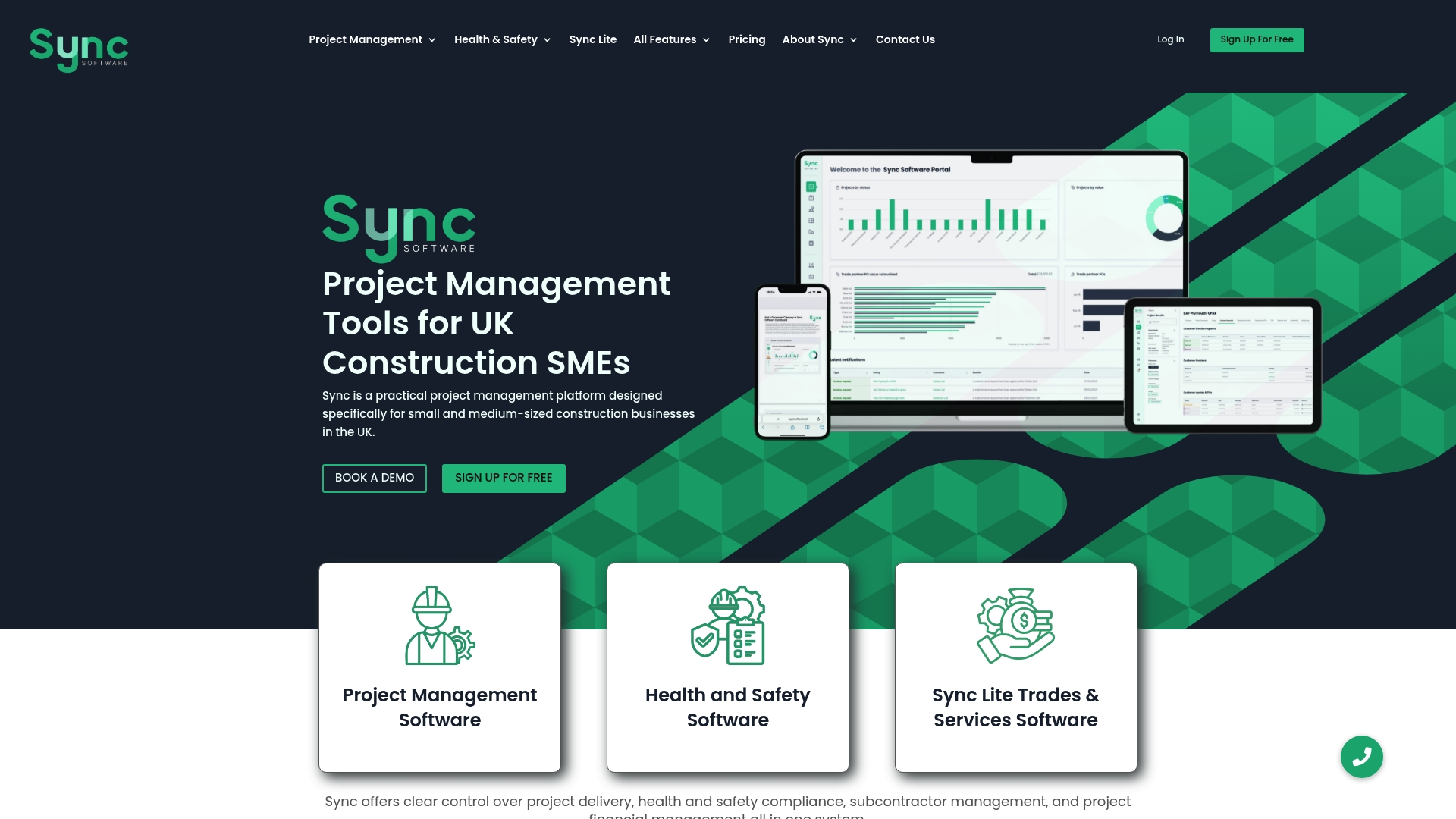
The vendor advertises over 150 years of combined industry expertise behind Sync Software, a claim that frames its product design for contractors and site teams. It places project management, health and safety compliance, financials and sustainability tracking into a single place aimed at small and medium sized UK builders.
Core Features
-
Automated compliance checks for health and safety with incident reporting and audit trails that keep records auditable.
-
Centralised project management across jobs with timelines, milestones and real time progress updates for site teams and office staff.
-
Financial and cost management tools matched to contractor workflows alongside supplier and subcontractor oversight with credential tracking.
-
Sustainability tracking and net zero features that link environmental metrics to individual projects and suppliers.
-
Role based access control to keep sensitive commercial and compliance data restricted to the right people.
Key Differentiator
Sync Software is explicitly built for UK construction teams rather than generalist PM software which influences both language and workflow choices. That experience claim above explains why forms, compliance checks and credential flows mirror common UK site practice and regulatory expectations.
Pros
-
Designed around UK site realities so forms and compliance screens read like paperwork teams already use which shortens training time.
-
Automated credential and safety checks reduce manual admin by replacing spreadsheets with tracked records and audit trails.
-
Centralising financials with progress reporting gives commercial teams a clearer view of cost to complete and disputed items.
-
Sustainability tools let project managers track net zero metrics alongside milestones rather than in a separate tool.
-
Role based permissions help protect commercial information while letting site teams access only the data they need.
Cons
-
There is limited publicly available user feedback; the product’s reputation relies mainly on vendor provided materials which makes peer comparison harder.
-
The product data does not list third party integrations, so teams that depend on a specific accounting package or specialist tool will need to confirm compatibility directly.
-
Support quality and update cadence are not documented in the materials supplied which leaves potential customers to validate service levels during trials.
Who It’s For
Small to medium sized UK contractors, site supervisors, project managers and compliance officers who want a single place for projects, safety records, supplier credentials and environmental reporting. It suits teams that prefer construction specific forms over generic project templates.
Real World Use Case
A UK construction SME uses Sync to run three concurrent jobs, tracking safety credentials per subcontractor, logging incidents with audit trails, and reconciling project costs against milestones. The result is fewer spreadsheet handoffs and faster commercial decisions on retentions and variations.
Pricing
Pricing is tiered with Lite, Site Manager, Premium and Enterprise plans available and billing offered monthly or annually. The vendor advertises a free trial so you can validate workflows before committing to a paid plan.
Website: https://syncsoftware.uk
Projul Client Portal

At a Glance
Projul reports being used by over 5,000 contractors and cites a 4.9 G2 rating. The portal gathers estimates, invoices, schedules, photos and material selections into a single branded area so members have one place to approve, pay and review project material.
Core Features
Projul’s portal centres on client-facing document and decision flows so members spend less time on the phone and more time signing off work.
- View and approve estimates with eSignatures.
- Check project schedules and upcoming appointments.
- Review and pay invoices online.
- Browse project photos and upload documents.
- Make material and finish selections with side-by-side comparisons and approval tracking.
Key Differentiator
The portal is purpose built for construction: it combines approvals, payments and photo sharing within a single branded client space rather than scattering them across separate portals or email threads. Where BRCKS emphasises WhatsApp-native team chat and automation, Projul concentrates on the client-facing approval and payment experience.
Pros
- User-friendly interface praised for simplicity. Members with limited tech experience can find estimates and photos without training.
- Integration with project management and invoicing means fewer duplicate entries between the office and the client-facing area.
- Customisable branding lets contractors present a polished client portal under their own name and colours.
- Flat-rate structure removes per-member fees, which helps small builders scale client access without surprise bills.
- Designed around construction workflows, so approvals, change orders and payment requests map to trades and site milestones.
Cons
- Independent review data on the portal itself is limited, so most public feedback is comparative or general praise rather than deep case studies.
- As a younger product compared with some legacy systems, a few advanced integrations and niche features are still developing.
- Some teams will need to adapt internal workflow steps to match how Projul expects approvals and selections to flow; that takes a period of adjustment.
When It May Not Fit
If your business requires a fully fledged member community with threaded discussions, moderation tools or a wiki, this portal does not replicate those community features. Likewise, very large enterprise ecosystems that depend on bespoke integrations beyond QuickBooks and Zapier may outgrow the current integration set.
Who It’s For
Contractors and remodelers who want a straightforward, branded client space for approvals, photos and payments. It suits small to mid-sized builders who prefer member access for clients rather than forcing app downloads or scattered emails.
Real World Use Case
A local remodeler uploads daily progress photos and a change order to the portal. The client checks the comparison images, signs the estimate with an eSignature and pays the invoice online that afternoon, cutting one or two rounds of phone calls.
Website: https://projul.com/features/client-portal
Comparative Analysis of Construction Project Management Solutions
Choosing the right project management solution for construction teams requires evaluating specific features and constraints that align with operational needs. This comparison highlights distinctions among the reviewed platforms to help narrow down viable options.
User Interface and Adoption by Field Teams
BRCKS, designed natively for WhatsApp communication, leads in minimising onboarding challenges for site teams. It reduces disruption by integrating with existing communication habits, ensuring swift adaptability among subcontractors unfamiliar with digital tools. Sync Software is another strong contender for usability, with its workflows closely mirroring UK construction practices, although it does not specifically leverage a widely-used app such as WhatsApp. By contrast, Buildertrend and Site Manager Pro offer interfaces but require employees to engage with completely new systems, leading to potential adoption barriers.
Cost Effectiveness for Small Construction Firms
BRCKS provides a transparent pricing structure at £40 per seat per month with no charges for subcontractors, optimising budgets for projects reliant on rotating contractor teams. Meanwhile, Site Manager Pro offers scalability with tiered pricing based on workforce size, appealing to medium to large-scale projects with variable requirements, although it can be cost-prohibitive for smaller operators due to its starting cost.
Extended Functionality for Complex Projects
For businesses handling larger budgets or requiring detailed financial integrations, Buildertrend excels with extensive tools like job costing, WIP reporting, and integrations with QuickBooks or Xero. Projul Client Portal uniquely focuses on ensuring a smooth client interaction experience, enabling approvals and payments via an intuitive branded interface.
Best Fit Scenarios:
- BRCKS: Small to medium UK construction firms seeking easy adoption and WhatsApp-based collaboration.
- Buildertrend: Companies handling projects with significant financial and operational complexity that benefit from accounting tools.
- Site Manager Pro: Contractors with focus on in-field wage and inspection data tracking workflows.
- Projul Client Portal: Remodelers prioritising polished client interaction techniques and effortless schedule and payment management.
Our Pick: BRCKS
BRCKS demonstrates key advantages for smallto medium-sized construction firms that require an affordable, easy-to-implement solution. However, large organisations or those demanding tailored financial or client interaction capabilities may gravitate towards the alternatives identified above, ensuring the selection best suits operational goals.
Construction Project Management Tools Comparison
This table details and contrasts key construction project management solutions, showcasing distinguishing features and limitations to assist with informed decision-making.
| Product | Key Differentiator | Best For | Pricing | Notable Limitation |
|---|---|---|---|---|
| Brcks | WhatsApp-native for seamless messaging and record keeping | Small UK builders using subcontractors | £40/seat/month | Limited advanced custom reporting |
| Buildertrend | End-to-end project integration across finance and schedules | Large teams managing complex builds | Not disclosed | Mobile app less intuitive for trades users |
| Site Manager Pro | Mobile-first wage and inspection management for UK sites | UK residential contractors | £245–£1,995/month | Limited user-specific public feedback available |
| Sync Software | Compliance-oriented management for medium-sized UK teams | Medium contractors prioritising regulations | Tiered with free trial | Limited integration details publicly provided |
| Projul Client Portal | Client portal for simplified communication and approvals | Contractors seeking a client-facing platform | Not disclosed | Developing advanced features in integration options |
Simplify Your Construction Client Portal Experience with Brcks
Selecting the right construction client portal can feel overwhelming, especially when juggling communication, approvals and snagging across multiple subcontractors. Brcks tackles these challenges by embedding project management directly into WhatsApp, so your teams and subs keep the chat they know while Brcks automatically records photos, decisions and snag lists. This means no extra apps for subcontractors and a clear audit trail to boost client trust and speed handovers.

Discover how Brcks can reduce your daily admin by over two hours with AI-powered summaries and seamless collaboration. Take charge of your next residential or small commercial project by exploring Brcks features. Don’t wait and experience smarter, WhatsApp-native construction management that keeps everyone on the same page from start to finish.
Frequently Asked Questions
How does BRCKS improve communication for construction teams?
BRCKS integrates directly with WhatsApp, allowing trades to communicate in their familiar environment while automatically logging messages, photos, and decisions into project records. This WhatsApp-native feature reduces the need for additional apps, streamlining communication and documentation. Expect improved project management without the typical learning curve of new software.
What is the difference between BRCKS and Buildertrend?
Buildertrend offers a robust set of features for larger, more complex builds, including comprehensive financial controls and online payments, which BRCKS does not focus on. BRCKS is designed for small and medium UK construction teams needing quick integration with WhatsApp for field communication. Choose BRCKS if your team prefers a simple, phone-first tool without the complexity of extensive financial management.
Can I use BRCKS for snagging on small residential projects?
Yes, BRCKS is particularly well-suited for snagging on small residential projects as it captures and logs snagging notes automatically, creating a searchable record for faster client sign-offs. This feature helps reduce disputes during the handover process, making it easier for small builders to manage multiple sites efficiently.
Which platform offers better support for subcontractors?
BRCKS provides free access for subcontractors, allowing small builders to scale project management without incurring additional costs for subcontractor access. This makes it an economical choice for residential builders managing projects with many subcontractors.
Does Sync Software offer features specifically for UK construction standards?
Yes, Sync Software is tailored for UK construction teams, featuring automated compliance checks that adhere to local regulations like the Building Safety Act. Utilising Sync ensures that your project management aligns with UK compliance requirements, thus enhancing regulatory adherence in your workflows.
Recommended
- 7 Best buildersai.co.uk Alternatives for 2026 | BRCKS
- 5 Benefits of Project Communication Platforms in Construction | BRCKS
- BRCKS | Construction Project Communication Software
- Top Construction Reporting Tools for UK Sites Compared | BRCKS
How BRCKS Can Help
Selecting the right client portal is essential for maintaining transparency and fostering trust throughout the construction process. While there are several strong alternatives on the market for 2026, BRCKS offers a uniquely streamlined approach by integrating client communication directly into your project management workflow. By centralising updates and documentation, our platform ensures your clients stay informed without adding to your administrative burden. We invite you to explore how BRCKS can transform your client relationships and simplify your project delivery today. Learn more at BRCKS and explore our full feature set.