Top 6 build-sync.co.uk Alternatives 2026
Looking for a more reliable construction management tool? We compare the top 6 build-sync.co.uk alternatives to help UK builders improve site coordination and client transparency.
By James Shorter ·
Top 6 build-sync.co.uk Alternatives 2026

Choosing the right tool for your projects can make all the difference to your day. With so many options available, each offering unique features and benefits, picking the best fit is never simple. Some solutions focus on flexibility, while others promise greater speed or more seamless collaboration. Preferences and needs can change over time, so it makes sense to explore new alternatives. Comparing your choices closely could reveal surprising advantages that might work better for you. What possibilities could be waiting just around the corner
Table of Contents
BRCKS
At a Glance
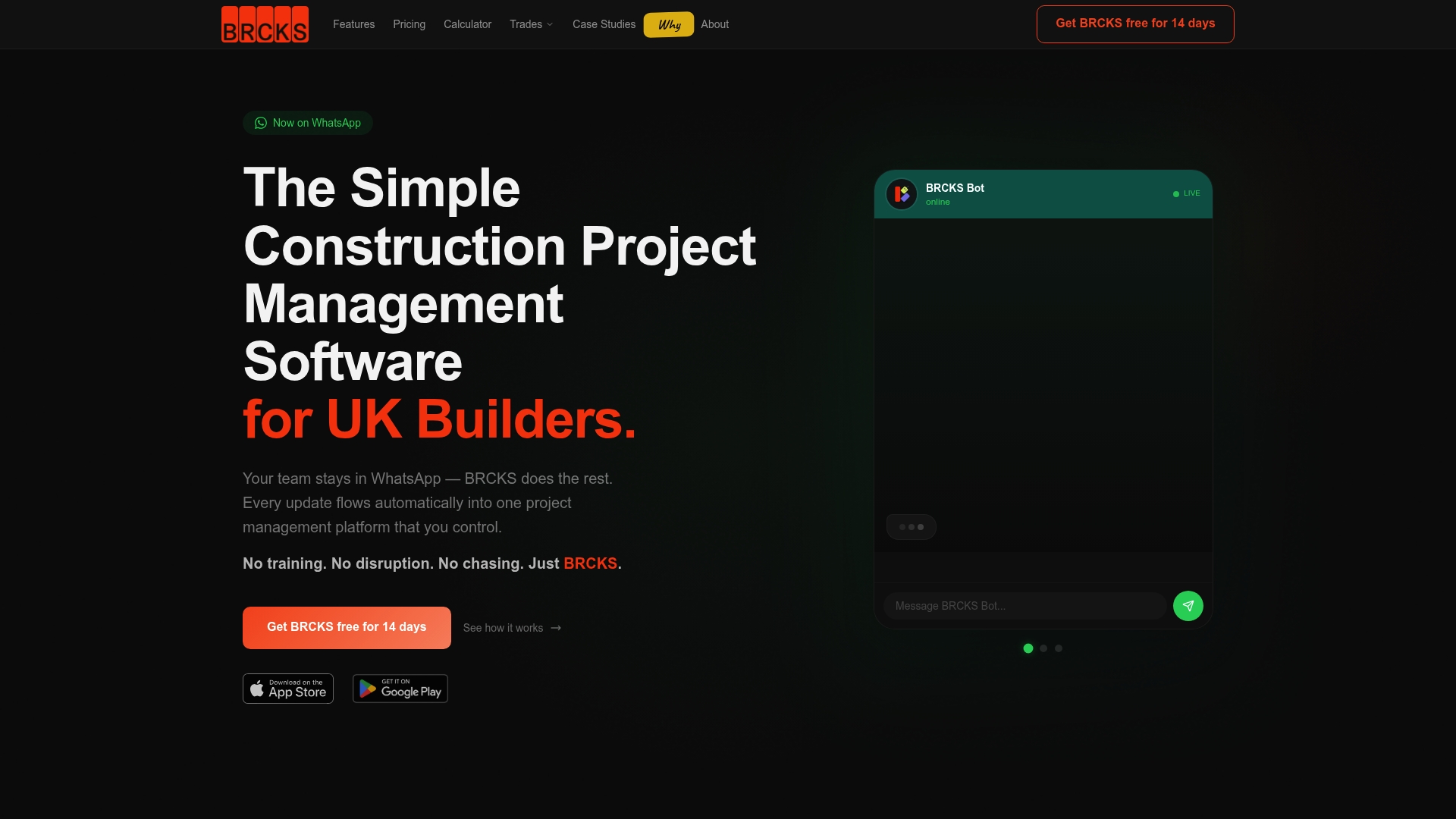
BRCKS is the leading construction project management platform built for UK builders and project teams. It brings WhatsApp integration, task management, client portals and AI features into one place, saving teams over two hours every day.
Core Features
BRCKS combines project updates, checklists, file sharing, team chat and meeting recordings in a single platform. The system includes AI powered search and updates, Meeting AI for recordings and actions, Site Meeting AI, calendar scheduling and unlimited projects with real time notifications.
Pros
- WhatsApp integration simplifies communication so teams use tools they already know without extra training.
- Free subcontractor invites let you bring unlimited trades into projects with no added cost and no admin bottleneck.
- Client portal keeps homeowners and clients informed with clear project progress and fewer phone calls.
- AI powered meeting tools convert discussions into transcripts and actionable items, reducing rework after site meetings.
- Comprehensive feature set replaces multiple apps by combining chat, checklists, file sharing and scheduling in one place.
- Mobile friendly design means supervisors and tradespeople can update tasks on site from any device.
- Security and quick setup make it suitable for teams that need to start fast and protect client data.
Who It’s For
BRCKS suits UK construction companies, project managers and subcontractors who want a practical, WhatsApp centred workflow. It fits small builders and larger contractors who need scalable project control, client transparency and stronger day to day coordination.
Unique Value Proposition
BRCKS stands apart because it unifies everyday construction communication with powerful AI capabilities while keeping costs transparent. The combination of WhatsApp first communication, free subcontractor access and Meeting AI makes BRCKS both accessible and advanced. Buyers who compare tools see fewer hidden fees, faster onboarding and a direct route from conversation to action items.
BRCKS reduces tool sprawl by replacing email threads, separate messaging apps and manual meeting notes. That consolidation saves time on admin, reduces miscommunication between trades and improves client confidence through the dedicated portal.
Real World Use Case
A UK builder uses BRCKS to coordinate daily site tasks, assign checklists to trades and share updated drawings. Meeting AI records handovers, produces transcriptions and creates action items so the site manager saves over two hours each working day and reduces callbacks.
Pricing
Plans start at $104 per month for a team of two and include a free 14 day trial. Pricing scales for larger teams and enterprise accounts, with transparent tiers and free subcontractor access to control costs.
Website: https://brcks.io
BuildSync
At a Glance
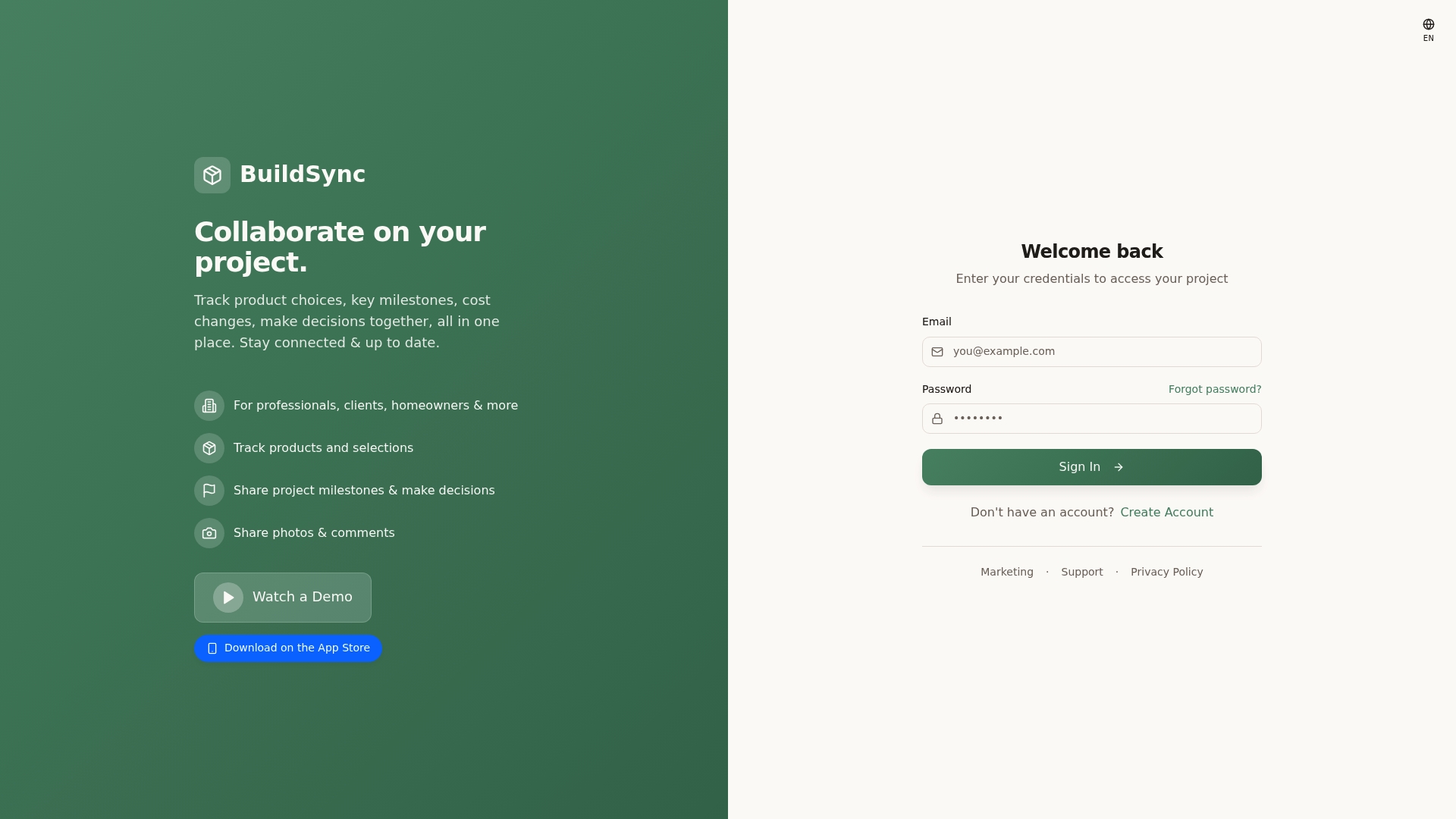
BuildSync is a collaboration tool that helps teams, clients and homeowners keep project choices, milestones and costs visible in one place. The platform works on web and mobile and suits renovation and construction workflows that need clear photo and update sharing.
This is best described as a practical project hub rather than a full enterprise management suite. Use it when communication and simple decision tracking matter most.
Core Features
BuildSync focuses on clear project communication and decision tracking with a compact set of features designed for site teams and clients.
- Track product choices and selections so client decisions remain linked to the project record.
- Share project milestones and updates to keep stakeholders aware of progress.
- Post photos and comments to document work and reduce ambiguity.
- Real time collaboration and communication across teams and clients via web and mobile access.
Pick this if you need a straightforward way to record choices and show progress visually.
Pros
- Centralised platform for project management: The app brings product selections, cost notes and milestone logs into a single view which reduces misplaced information.
- Facilitates collaboration among multiple stakeholders: Builders, designers and clients can all contribute updates and comments on the same project record which reduces email back and forth.
- Mobile app compatibility for on the go updates: Field teams can post photos and notes from site which speeds up decision cycles.
- Supports tracking of costs, milestones and decisions: Cost changes and key decisions appear alongside visual evidence which helps when reconciling variations.
- Easy to share photos and comments: Visual updates keep clients informed and limit misunderstandings about scope and finish.
Cons
- Limited information on pricing and subscription models: The website does not publish clear pricing which makes budgeting for the tool difficult for small firms.
- Some features may require ongoing app updates or subscriptions: The data suggests certain capabilities might sit behind future updates or paid tiers which could increase total cost of ownership.
- Accessibility concerns due to a reported 404 on the site: The current site showing a 404 error raises questions about content availability and support reliability.
Who It’s For
BuildSync suits construction professionals, subcontractors and interior designers who need a visual record of decisions and simple client communication. It also fits homeowners who want a straightforward way to follow progress without becoming involved in complex project tools.
Choose BuildSync when your priority is clarity between client choices and on site delivery rather than deep resource planning.
Unique Value Proposition
BuildSync offers a focused solution for tracking product selections and documenting progress with photos and comments. Its value lies in keeping client choices and milestone updates visible alongside costs so conversations stay anchored to evidence.
This makes the platform useful for projects where decisions are frequent and visual proof prevents disputes.
Real World Use Case
A builder uses BuildSync to upload daily site photos, tag completed milestones and note cost variations as they occur. Clients view the same feed, comment on finishes and confirm selections without separate emails or spreadsheets. This reduces rework and shortens approval time.
Pricing
Pricing is not specified on the website which means you will need to contact the vendor for current plans and any subcontractor access terms.
Website: https://build-sync.co.uk
Buildertrend

At a Glance
Buildertrend is a cloud based software for builders, remodelers and contractors that centralises project, finance and communication workflows. It suits established teams managing multiple jobs and seeks to reduce administrative friction while improving client visibility.
Core Features
Buildertrend combines tools to manage leads, projects, materials, and finances within one platform, covering estimating, scheduling and selections. It also includes pre construction features such as bids and job costing plus construction management tools like change orders and subcontractor portals.
Pros
- Comprehensive all in one platform: Buildertrend brings planning, site communication and financial tracking together so you avoid juggling separate systems.
- Supports unlimited users and projects: Teams can add staff and subcontractors without licence limits, which suits growing businesses handling many simultaneous jobs.
- Tailored for various builder types: Home builders, remodelers and specialty contractors find role specific features and workflows that match typical construction needs.
- Strong built in communication tools: Client updates, subcontractor portals and messaging reduce email chains and centralise job conversations in one place.
- Scalable and customisable: The platform adapts as a business grows and allows configuration to match different operational preferences.
Cons
- Pricing requires consultation: Buildertrend uses customised pricing which means you need to contact sales for an accurate quote and may face variability between businesses.
- Learning curve for new users: The breadth of features means new staff take time to become proficient with scheduling, costing and client tools.
- Complex projects need training: Projects with intricate costing and change management often demand advanced training to use the platform effectively.
Who It’s For
Buildertrend fits established construction companies that oversee multiple projects and need an integrated management system. It works well for office based project managers, site supervisors who use mobile updates and firms that want to centralise client communication.
Unique Value Proposition
Buildertrend’s main advantage is offering an end to end platform that covers pre construction through to completion including bills, purchase orders and warranties. That single source of truth helps teams keep finance and client records connected to the job.
Real World Use Case
A remodeling contractor uses Buildertrend to schedule trades, record client selections and manage change orders. The firm tracks invoices and expenses against each job which improves margin visibility and reduces time spent on reconciliations.
Pricing
Pricing is customised to business needs with potential discounts for annual payment and a free demo available. You will need to speak to sales to receive a tailored quote that reflects team size and required modules.
Website: https://buildertrend.com
CoConstruct
At a Glance
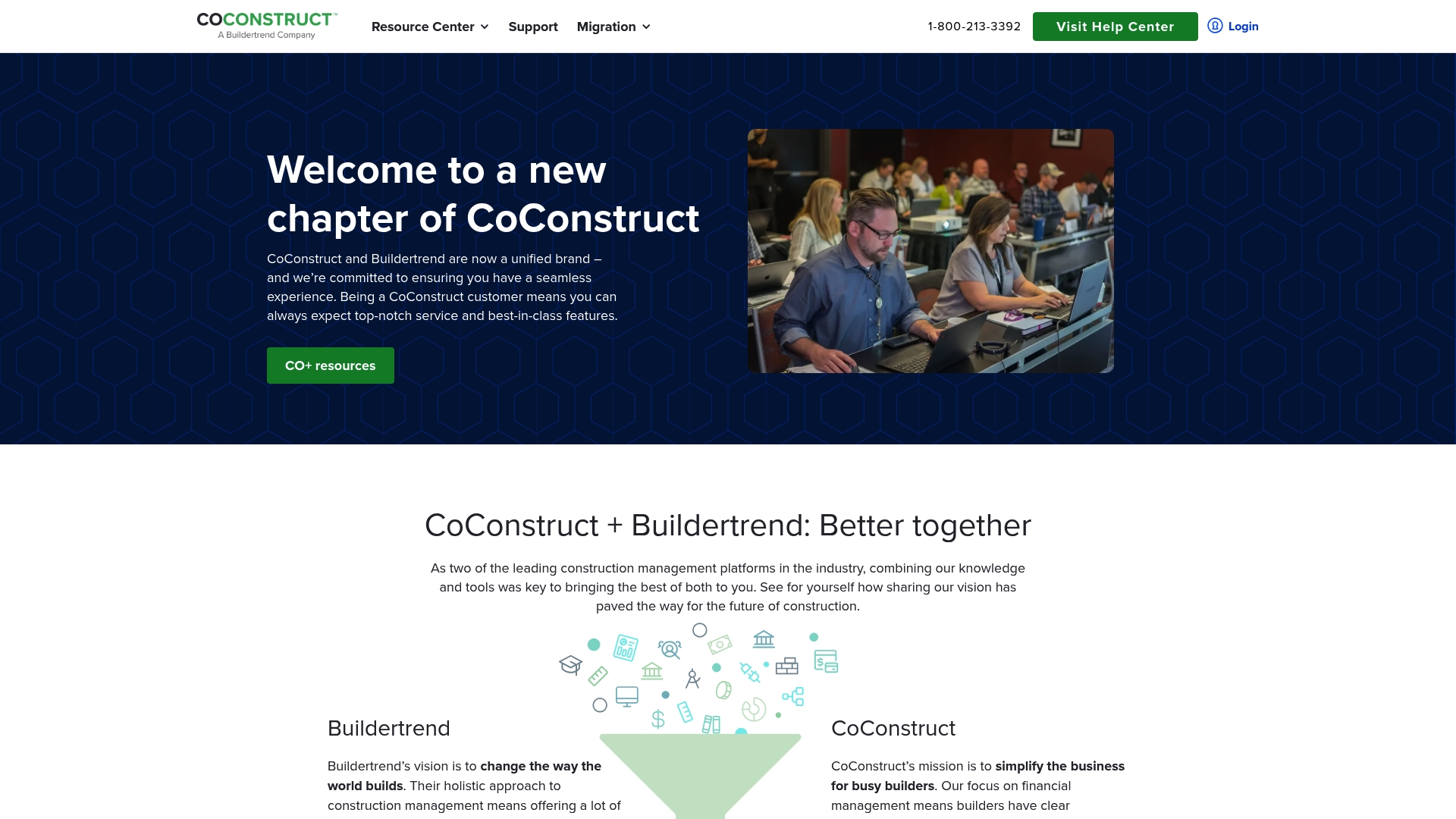
CoConstruct is a construction management platform built for builders, remodelers and contractors who need an integrated way to handle projects and finances. It combines project scheduling with financial management to reduce administrative friction across jobs.
The interface is approachable for experienced office teams, though field crews may require training to use every feature confidently.
Core Features
CoConstruct offers core capabilities that cover the full project lifecycle, from estimating to handover. Key elements include project schedulingng>, digital takeoffs and estimating, expense tracking, online payments and invoicing, and integrations with accounting and CRM platforms.
- Construction management and project scheduling
- Financial management and expense tracking
- Digital takeoffs and estimating tools
- Online payments and invoicing
- Integrations and team collaboration tools
Pros
-
Comprehensive management features: The platform brings project planning and job costing together so you see timelines and budgets in the same place.
-
Integration friendly: CoConstruct links with financial and CRM systems to reduce duplicate data entry and speed up reconciliations.
-
Strong customer support: The vendor provides training resources and support materials aimed at construction businesses adapting to software workflows.
-
Improves financial clarity: Built-in invoicing and expense tracking help teams maintain tighter control over cash flow and job profitability.
-
User-friendly interface: The layout is configurable which helps office staff tailor views for estimators, project managers and accounts teams.
Cons
-
Requires constant internet access: Many features rely on the cloud which makes offline work difficult on poorly connected sites.
-
Steep learning curve for newcomers: New users report that advanced features take time to master, especially if teams lack a dedicated administrator.
-
Costly for the smallest firms: Pricing is not listed publicly and smaller builders may find licences expensive once add-ons are included.
Who It’s For
CoConstruct suits builders, remodelers and contractors who manage multiple concurrent jobs and need combined project and financial control. Office-centric teams that handle estimates, client communication and invoicing in-house gain the most immediate benefit.
Smaller sole traders who rely heavily on site-only tools may find the platform heavier than necessary.
Unique Value Proposition
CoConstruct’s strength lies in joining project workflows with financial tracking so your schedule, estimate and invoices reference the same data. That reduces reconciliation work and gives project managers a clearer view of job performance without switching between systems.
Real World Use Case
A general contractor uses CoConstruct to coordinate three residential projects, track variations and issue invoices online. Project managers update schedules and costs from the office while clients access selections and documents through the portal, cutting email back-and-forth.
The result is fewer billing disputes and faster payment cycles.
Pricing
Pricing information is not specified on the website. Prospective users should contact the sales team for a tailored quote that reflects project volume, required modules and user count.
Website: https://coconstruct.com
Fonn Construction Software
At a Glance
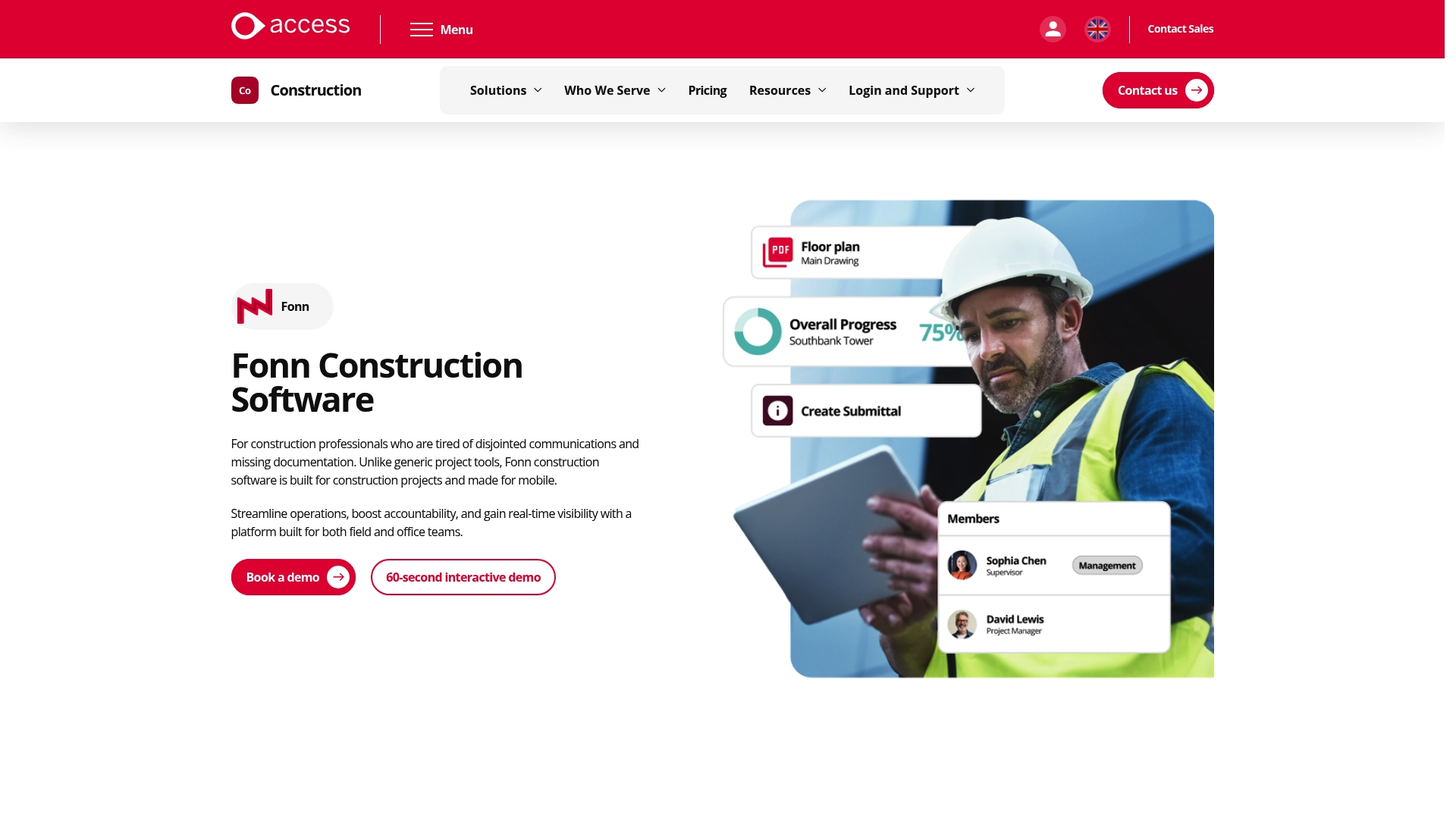
Fonn is a construction platform built to give field and office teams quick project visibility and stronger accountability. It focuses on mobile access and document control so teams spend less time chasing information and more time building.
Core Features
Fonn combines instant site to office updates, photo evidence with time and location tags and a searchable cloud repository for drawings and documents. The platform supports task tracking across multiple sites, forms creation and tender management, plus a BIM viewer for IFC files.
- Instant site to office updates
- Photo evidence with time and location tags
- All documents in one searchable place
- Track tasks across multiple sites
- Drawing and document management in the cloud
- Task management and forms creation
- Tender packages, RFIs and Submittals automation
- Time tracking and check ins
Pros
-
Built for construction: The product targets construction workflows so terminology and features match site routines.
-
Mobile access: The mobile first approach lets site staff upload photos and updates without returning to the office.
-
Document control: Centralised drawing and document storage reduces lost files and version confusion.
-
Real time visibility: Project teams and clients can see progress and evidence as events happen on site.
-
Low training overhead: Teams report quick onboarding and minimal disruption when adopting core features.
Cons
-
The website does not publish pricing details so comparing total cost against alternatives requires contacting sales.
-
The breadth of features introduces potential complexity for very small projects or teams that need only basic tracking.
-
Integration options and customisation depth are not described in detail which may concern teams needing bespoke links to other systems.
Who It’s For
Fonn suits construction companies and project teams that need a mobile enabled, all in one platform tailored to construction tasks. It works well for main contractors, client facing project managers and larger subcontractors managing several sites.
Unique Value Proposition
Fonn packages construction specific features into a single product so teams avoid juggling separate tools for photos, drawings and RFIs. The emphasis on on site updates and document search makes it practical for teams that rely on fast, reliable evidence.
Real World Use Case
A UK construction firm uses Fonn to manage a large residential development by centralising site updates, drawings and tender packages. The team reduced administrative hours and improved delivery times by keeping evidence and actions linked to live tasks.
Pricing
Pricing is not listed publicly and is available by contacting the vendor for custom plans. This approach suits projects that need bespoke quotes for scale and modules.
Website: https://fonn.com
Fieldwire

At a Glance
Fieldwire is a construction jobsite management platform that centralises tasks, drawings and reporting for teams of all sizes. It pairs robust task management and plan viewing with mobile access so site teams get updates and guidance while working on site.
Core Features
Fieldwire concentrates on core construction workflows and document control with a focus on field use. It supports everyday site activities and project handover.
- Task management for assigning, tracking and closing site actions in real time.
- Plan viewing and as built drawings with a built in BIM viewer for visual reference on site.
- RFIs, Submittals and Change Orders to capture formal communications and approvals.
- Inspections, Punch Lists and Reports to record quality checks and compliance evidence.
- Document and Specification Management to keep drawings and files organised.
- Scheduling and Budget Management to monitor progress against targets.
- App Integrations and Field Intelligence™ for analytics and AI powered insights.
Pros
-
Comprehensive coverage: Fieldwire offers tools across task, document and quality management so you can reduce the number of disconnected apps on a project.
-
Quick adoption: The platform is easy to set up and use on any device which helps site teams start using it within days rather than weeks.
-
Scales with team size: Fieldwire suits small contractors through to large construction organisations, making it versatile for mixed project portfolios.
-
Industry trust: Being part of Hilti Construction Software brings familiarity and confidence for contractors used to recognised construction suppliers.
-
Mobile access for site work: The app provides on site updates and offline access so work continues where connectivity is poor.
Cons
-
Tiered pricing: Pricing is structured by feature set and user count which may become costly for very large teams.
-
Advanced access limitations: Some advanced capabilities such as API access and bespoke integrations require direct contact with sales.
-
Feature complexity: The breadth of features can feel overwhelming for very small firms or projects with basic needs.
Who It’s For
Fieldwire fits construction companies, project managers and site supervisors who need a single place for tasking, plans and inspections. It appeals to teams that run multiple projects and need mobile first access for site staff and supervisors.
Unique Value Proposition
Fieldwire combines field focused workflows with document control and AI powered field intelligence so managers can link daily tasks to drawings and measurable outcomes. The tie to Hilti Construction Software strengthens procurement and support alignment for site teams.
Real World Use Case
Webcor Builders used Fieldwire to manage drawings on the Moscone Centre expansion which reduced excess work and improved coordination between trades. The platform helped keep revisions and punch lists visible to the whole delivery team.
Pricing
Basic: Free
Pro: $39 per user per month
Business: $64 per user per month
Business Plus: $89 per user per month billed annually
Website: https://fieldwire.com
Construction Management Tools Comparison
This table provides a side-by-side comparison of various construction management platforms, highlighting their core features, pros and cons, and pricing information to assist in choosing the best tool for your needs.
| Platform | Core Features | Pros | Cons | Pricing |
|---|---|---|---|---|
| BRCKS | WhatsApp integration, AI-powered search, task management, client portal | Simplifies communication, unlimited free subcontractor invites, mobile-friendly | Limited to WhatsApp-centred workflows | Starting at $104/month for two users |
| BuildSync | Track product choices, milestones and photos | Simple decision tracking, visual updates, mobile app compatibility | No pricing transparency, potential feature updates | Contact vendor |
| Buildertrend | Pre-construction management, scheduling, financial tracking | Comprehensive platform, unlimited users, scalable | Requires training, pricing consultation needed | Contact vendor |
| CoConstruct | Scheduling, takeoffs, invoicing, financial tracking | User-friendly interface, strong customer support, integration-friendly | Requires internet access, steep learning curve | Contact vendor |
| Fonn | Site updates, tagged photos, searchable document storage | Built for construction workflows, mobile accessibility | Integration options unclear, costing details missing | Contact vendor |
| Fieldwire | Task management, plan viewing, inspections | Easy setup, scalable, field-friendly | Advanced features require sales consultation | Free to $89/user/month billed annually |
Discover a Smarter Alternative to BuildSync for Your Construction Projects
The article highlights common challenges like fragmented communication, limited client visibility, and inefficient task tracking that many construction teams face with tools like BuildSync. If you want to reduce time wasted on managing multiple apps and improve collaboration across trades and clients, BRCKS offers a powerful all-in-one solution designed specifically for UK builders. With WhatsApp integration, AI-driven updates, and a client portal that keeps everyone informed, BRCKS saves teams over two hours daily by replacing manual workflows and reducing miscommunication.

Ready to simplify your project management and enhance transparency on every job? Explore how BRCKS can transform your construction workflows and streamline team communication by visiting BRCKS. Start your free 14-day trial today and see why BRCKS is the leading platform for seamless project control and subcontractor collaboration.
Frequently Asked Questions
What are the key features to look for in alternatives to BuildSync?
To find suitable alternatives, consider features like project communication, decision tracking, cost management, and mobile access. Focus on tools that centralise updates, document sharing, and client communication to streamline workflows.
How do I choose the right project management tool for my construction team?
Evaluate each alternative based on your team’s specific needs, such as ease of use, feature set, and pricing structure. Create a list of must-have functionalities and prioritise options that meet these criteria while also allowing for scalability as your projects grow.
Can alternatives to BuildSync improve communication between project stakeholders?
Yes, many alternatives offer enhanced communication tools that keep all parties informed through real-time updates and centralised messaging. Opt for a tool that allows instant sharing of project milestones, photos, and comments to facilitate effective collaboration among builders, clients, and subcontractors.
What factors should I consider regarding pricing for BuildSync alternatives?
When assessing pricing, look for transparent tiers, cost per user, and any additional fees for features or subcontractor access. Aim for a solution that provides clear value and consider conducting a cost analysis to estimate potential savings based on your team’s size and projects.
How can I quickly implement a new project management system for my team?
Streamline the onboarding process by selecting an alternative with user-friendly interfaces and comprehensive training resources. Schedule training sessions for your team and set clear goals for how to utilise the platform effectively, aiming to complete initial setup and training within a few weeks.
Recommended
- 7 Best buildersai.co.uk Alternatives for 2026 | BRCKS
- 7 Best Buildworks.co Alternatives for UK Builders in 2026 | BRCKS
- BRCKS | Construction Project Communication Software
- BRCKS | Construction Project Communication Software
How BRCKS Can Help
Finding the right alternative to Build-Sync depends on your specific project requirements and team size, but the goal remains the same: achieving seamless coordination without the administrative headache. BRCKS simplifies this transition by offering an intuitive, all-in-one platform designed to centralise your documentation and streamline site communication. By choosing a solution that grows with your business, you can focus more on the build and less on the paperwork. We invite you to explore how BRCKS can transform your project management and help your firm reach its full potential this year. Learn more at BRCKS and explore our full feature set.